README & Setup
Reviewing the README
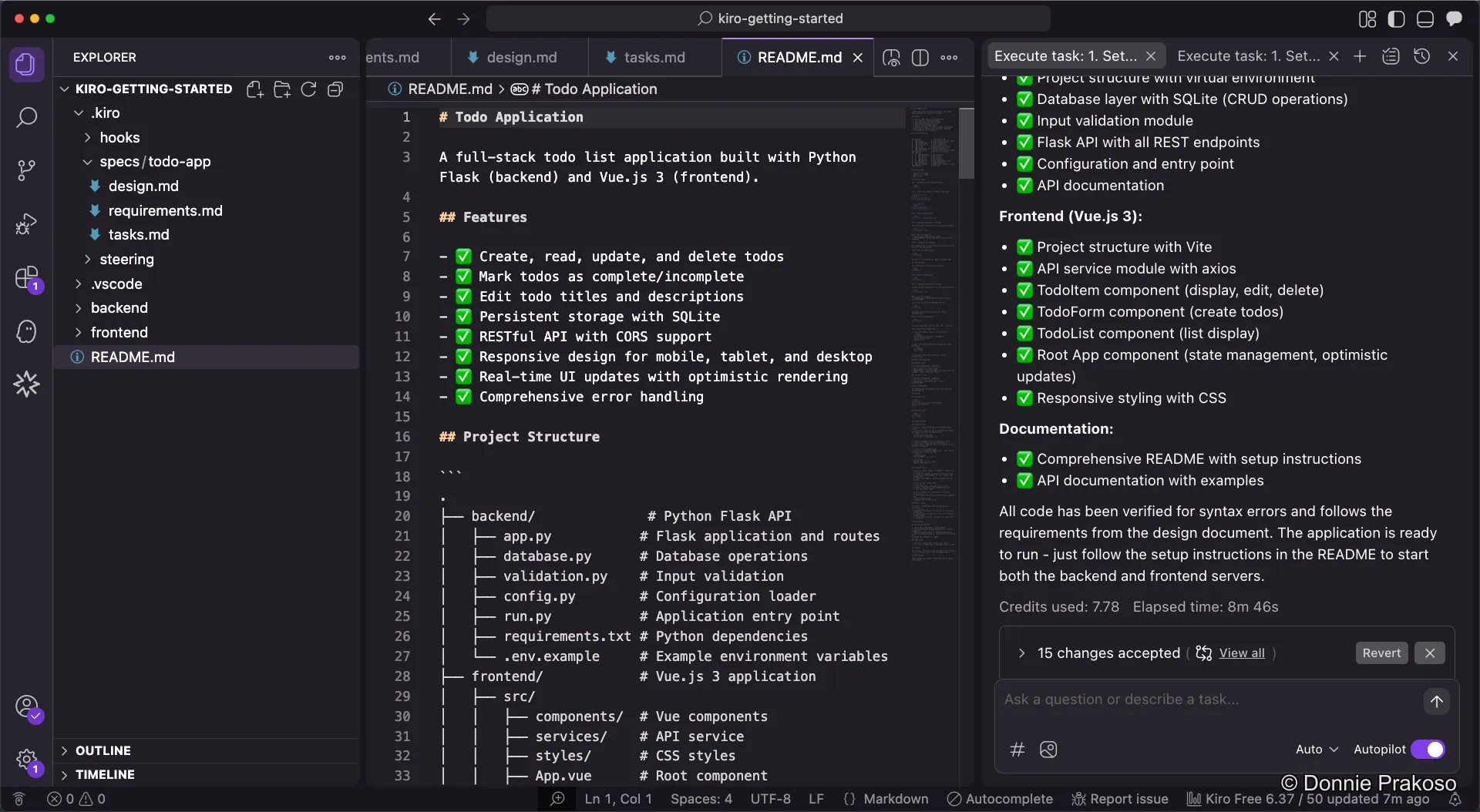
Section titled “Reviewing the README”Kiro adds all the information you need to README.md, including setup instructions, dependencies, and how to run the application.
Installing requirements
Section titled “Installing requirements”-
Follow the README instructions
While you can ask Kiro to run the setup for you, it’s still good practice to follow the instructions in
README.mdmanually. This helps you understand the project structure and dependencies.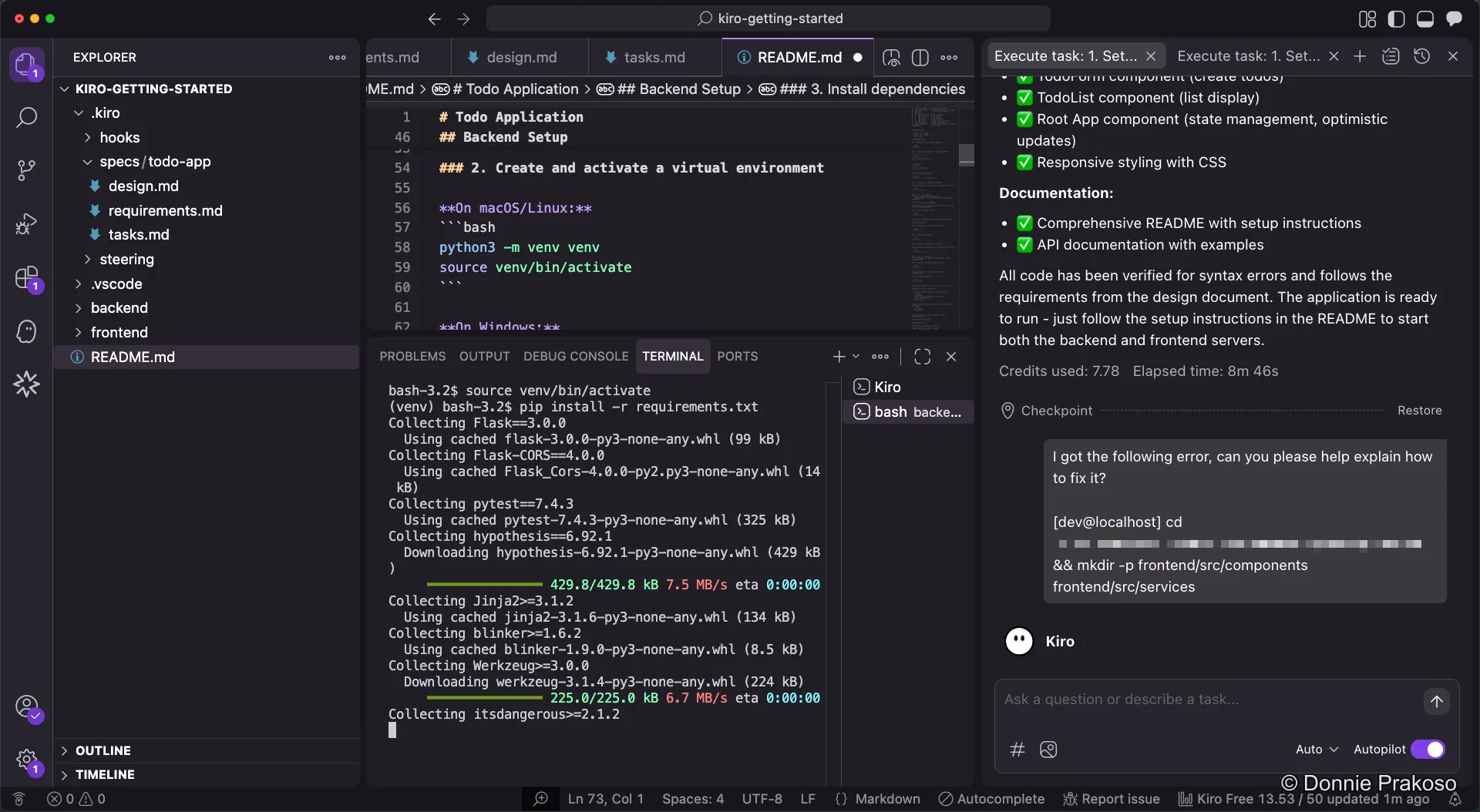
-
Install backend dependencies
Install Python requirements pip install -r requirements.txt -
Install frontend dependencies
Install frontend packages npm install