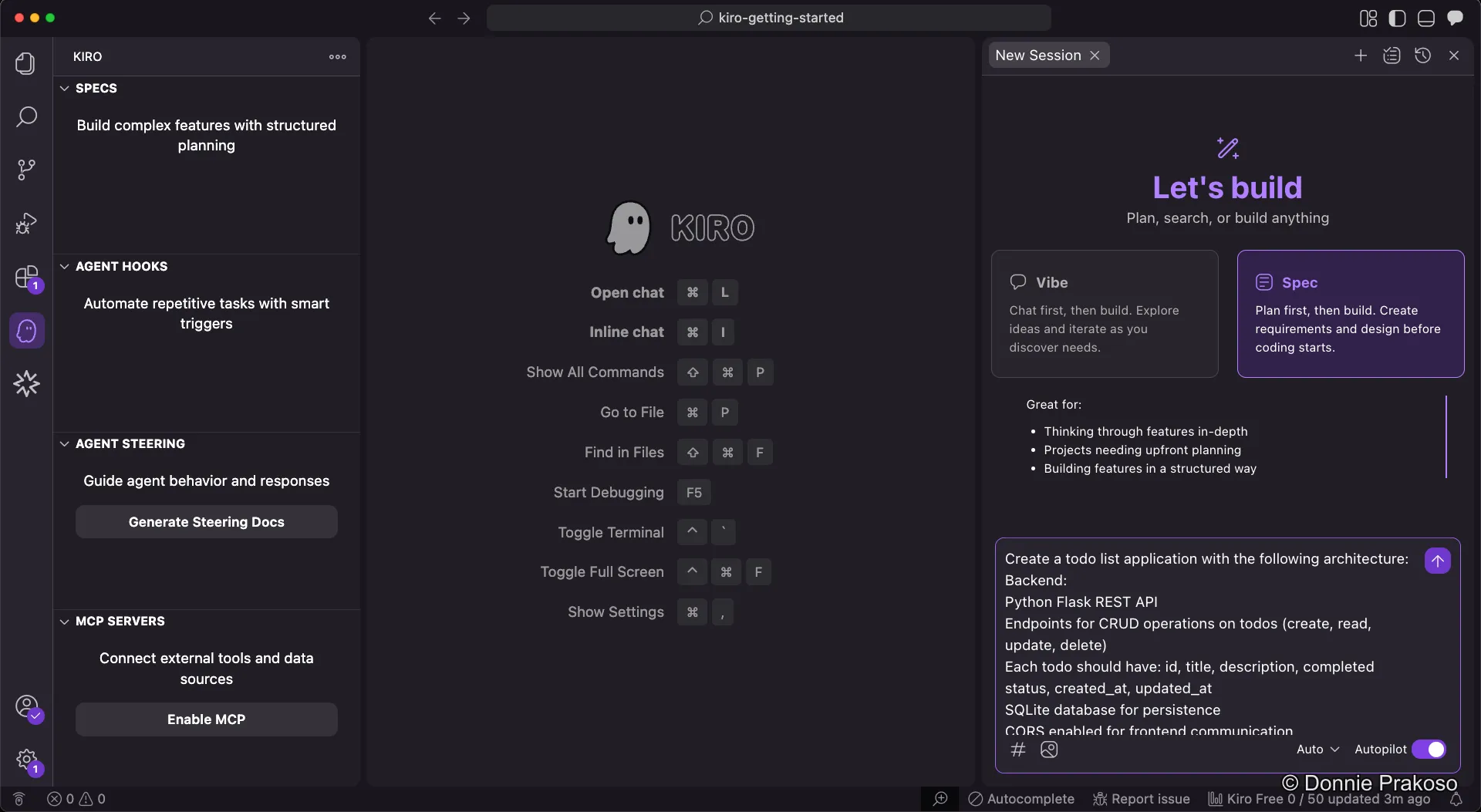
Refining Your Prompt
A powerful workflow in Kiro is using Vibe mode to refine your prompt before passing it to Spec mode. This gives you a more detailed, well-structured prompt without having to write it all yourself.
-
Select Vibe mode and ask Kiro to refine your prompt
Switch to Vibe coding mode and enter a prompt asking Kiro to refine your original idea:
Vibe refinement prompt Refine my following prompt which I will use for prompting Kiro in Spec driven mode: Create a todo list application. This application is API first, using backend with Python running on Flask. The frontend is using Vue JS.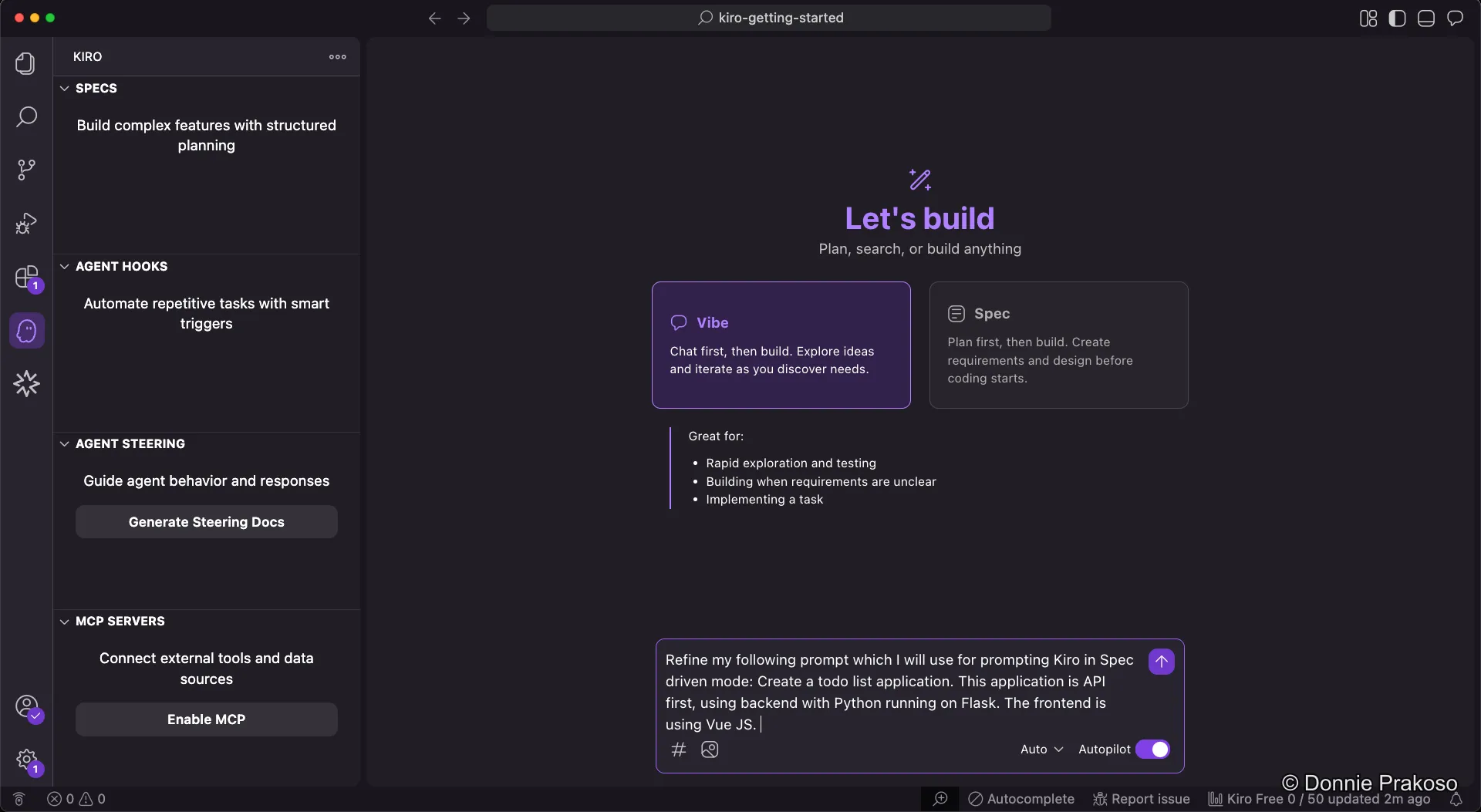
-
Review the refined prompt
Kiro generates a much more detailed, structured prompt. The refined output includes specific architecture decisions, technology choices, and feature requirements:
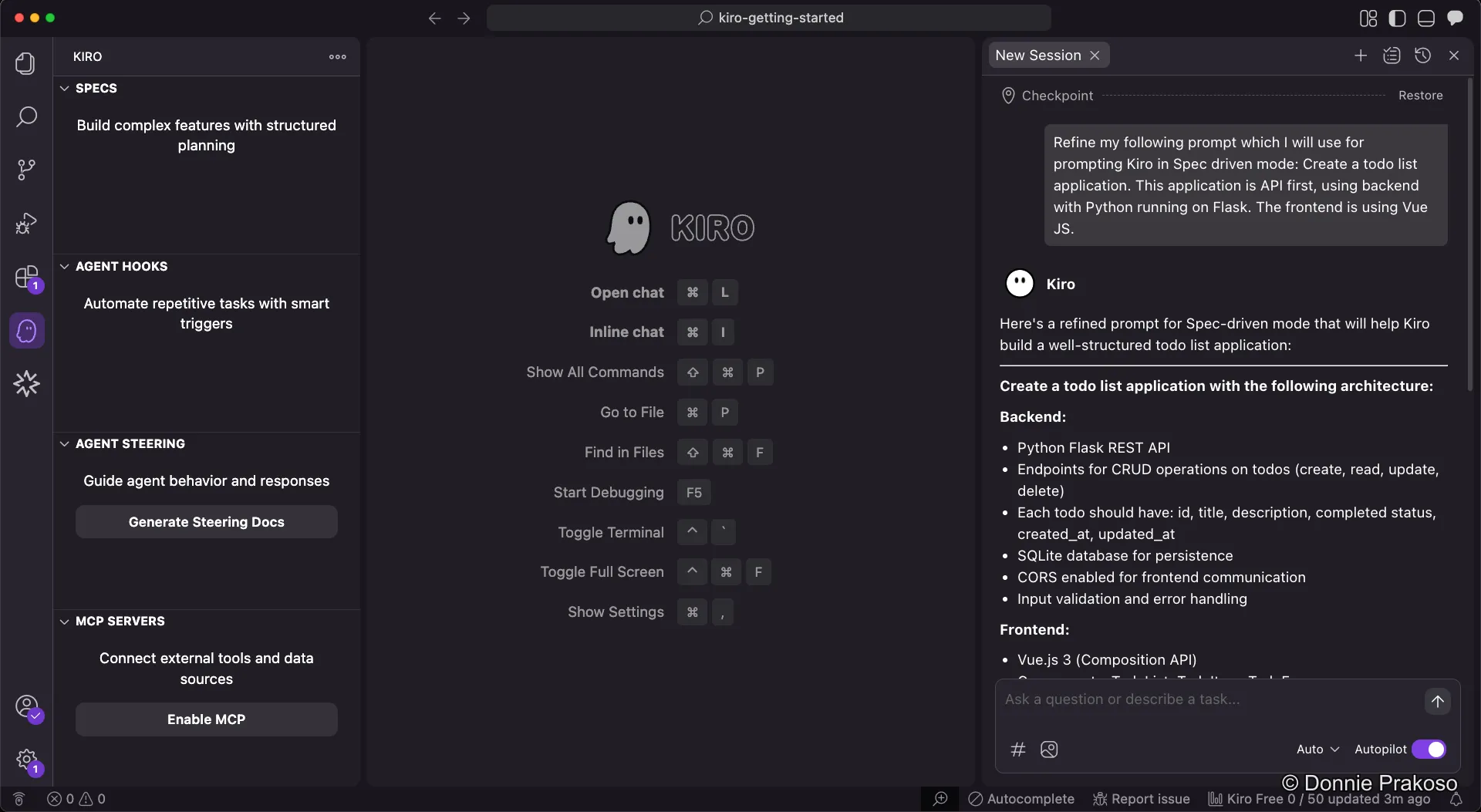
The refined prompt specifies details like:
- Backend: Python Flask REST API with CRUD operations, SQLite for persistence, CORS enabled
- Frontend: Vue.js 3 with Composition API
- Data model: Each todo with id, title, description, completed status, timestamps
-
Switch to Spec mode and paste the refined prompt
Now select Spec mode and pass the refined prompt into the Spec input.