Generating Specs
Once you’ve submitted your prompt in Spec mode, Kiro begins generating structured specification documents.
-
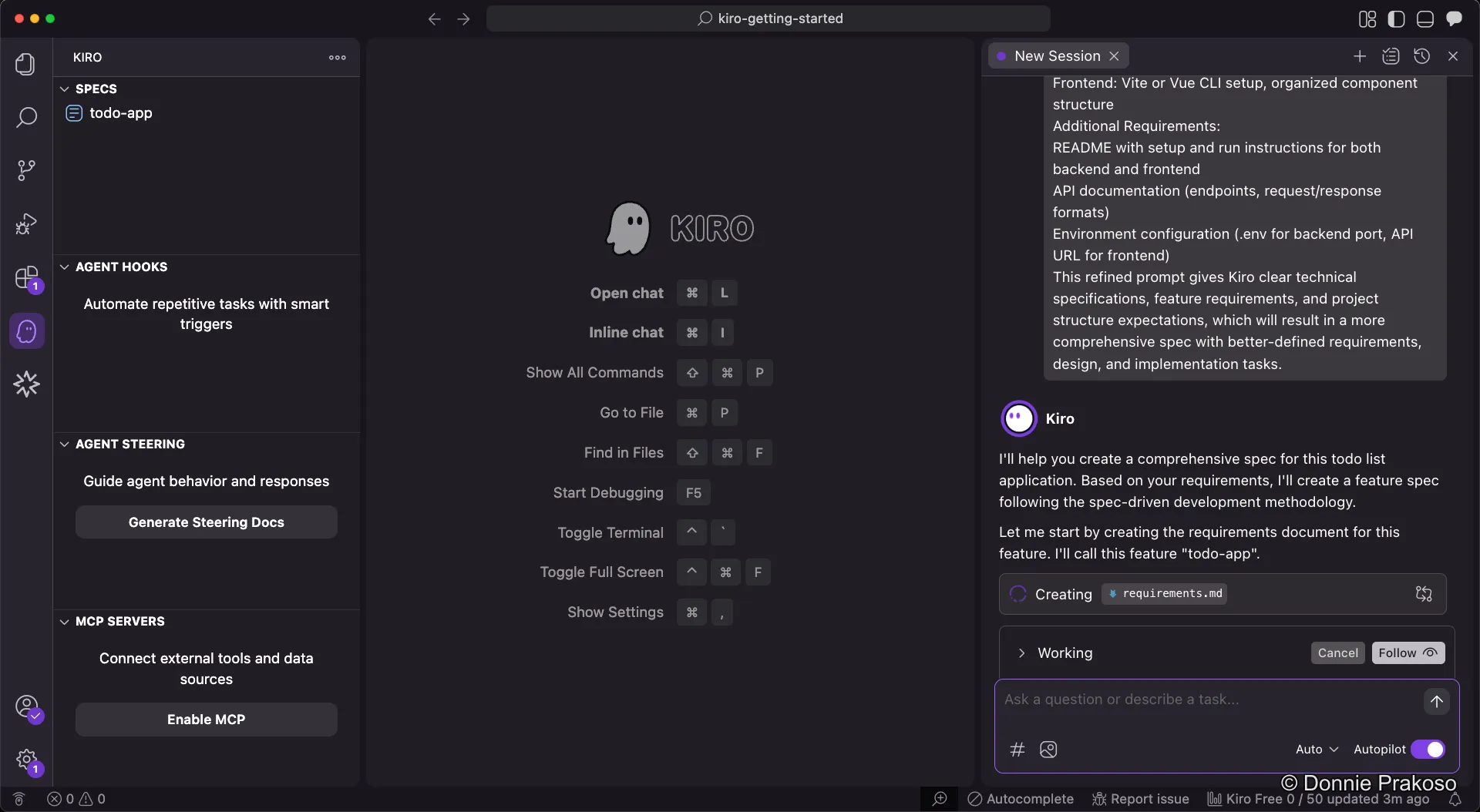
Kiro starts generating specs
After submitting the prompt, Kiro begins creating specs — structured artifacts that formalise the development process for your application.
-
Review the requirements document
Specs are structured into three parts:
- Requirements — User stories and acceptance criteria in structured EARS notation
- Design — Technical architecture, sequence diagrams, and implementation considerations
- Task List — A detailed implementation plan with discrete, trackable tasks
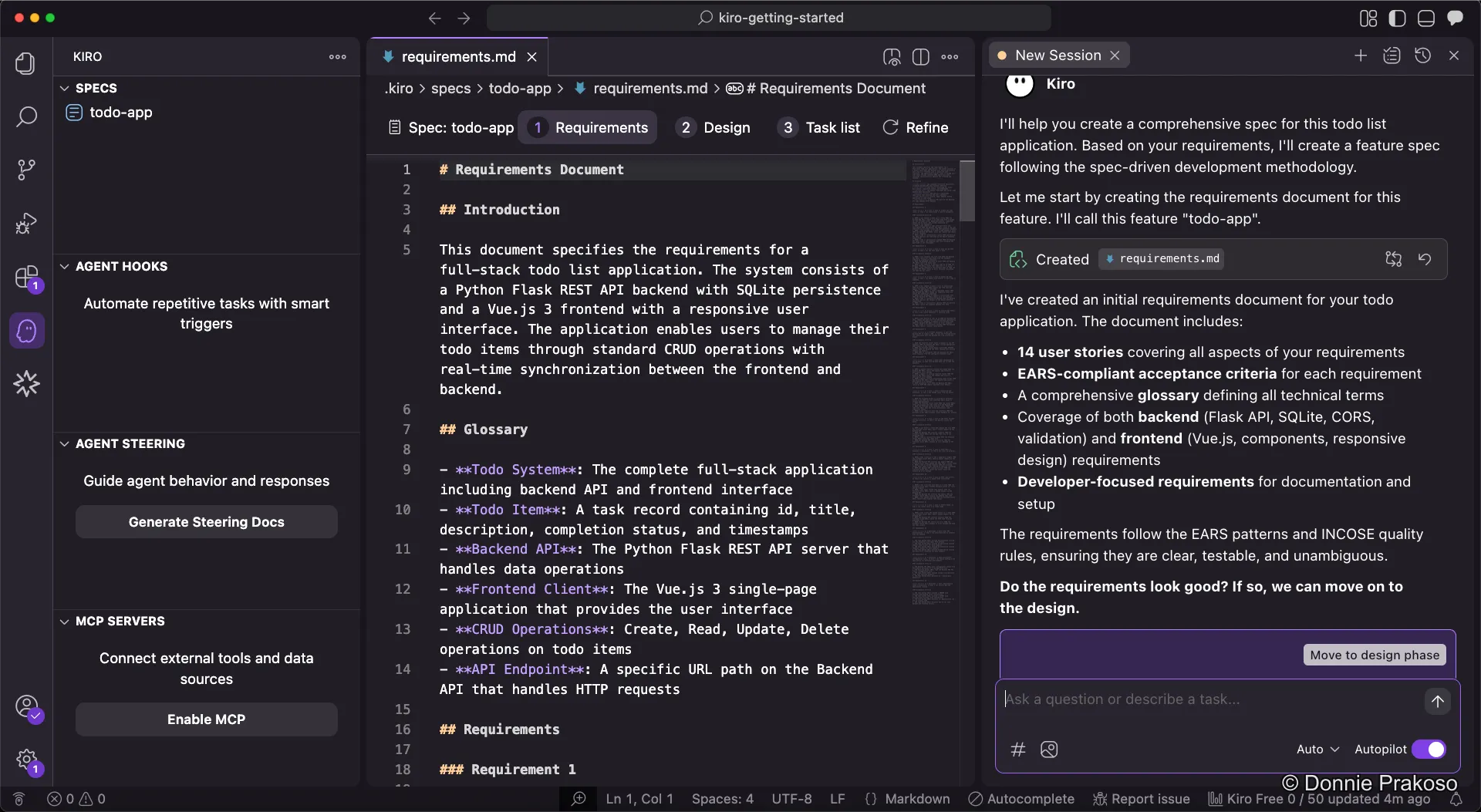
Kiro generates the requirements document first. Review it and modify as needed — you have full control over what’s included.
-
Move to the design phase
Once you’re satisfied with the requirements, click the button to proceed to the design phase. Kiro always follows the order: Requirements → Design → Task List.
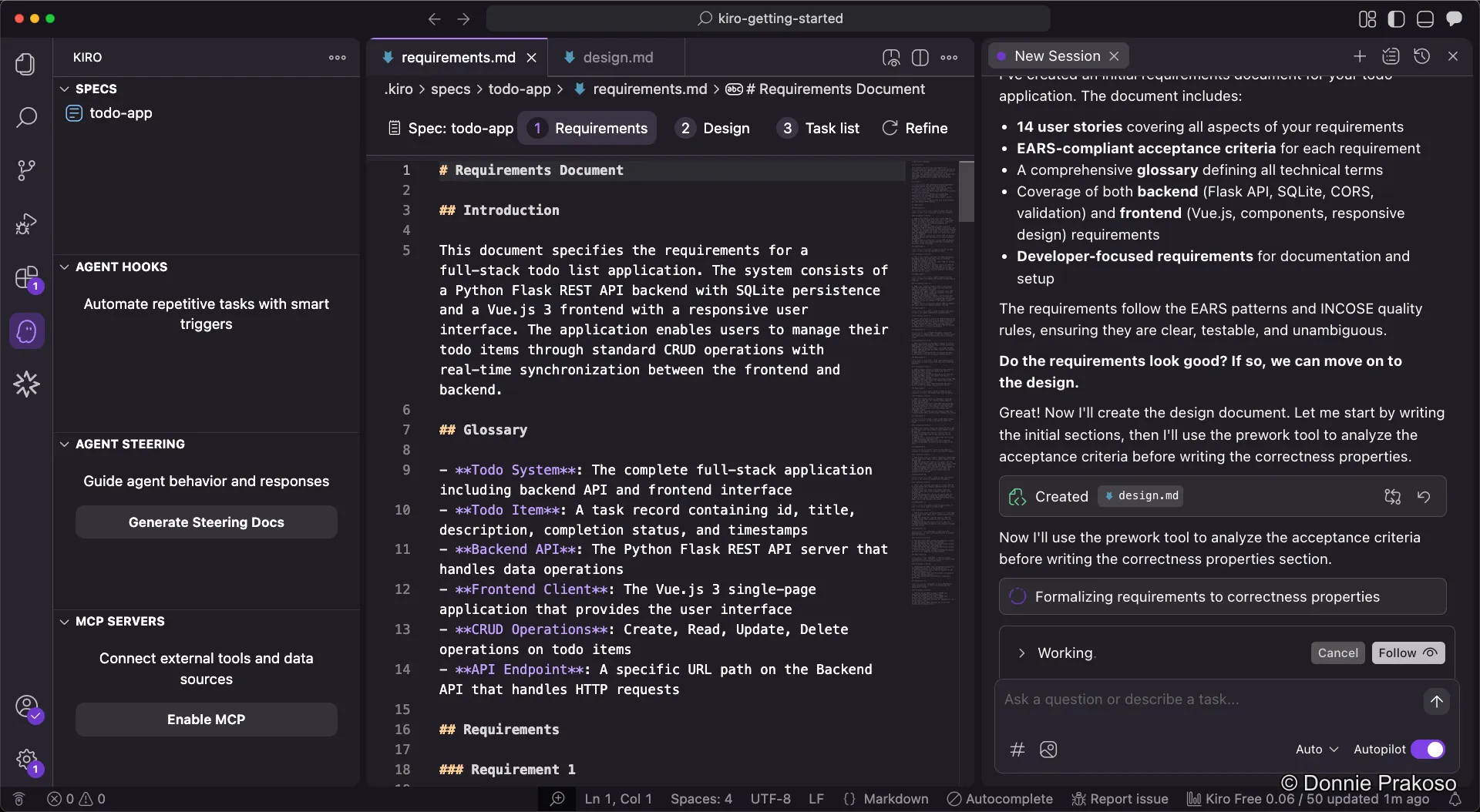
Kiro works on acceptance criteria and generates the design document based on your approved requirements.