Design & Architecture
The design phase is where Kiro produces detailed technical architecture for your application.
Property-Based Testing
Section titled “Property-Based Testing”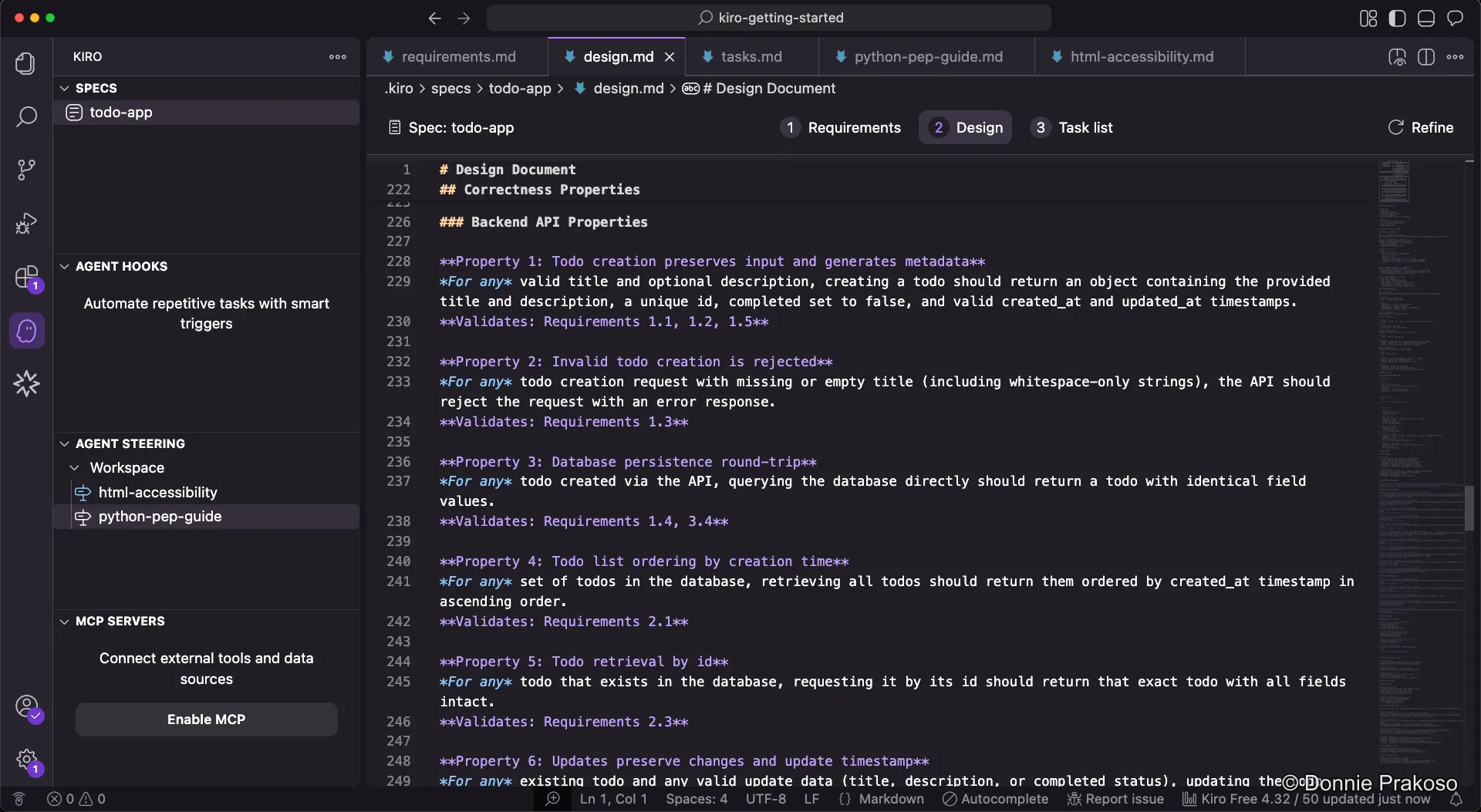
Kiro includes Property-Based Testing (PBT) — a feature that automatically translates natural language requirements into executable tests. These tests validate general system behaviours (“properties”) across a wide range of automatically generated inputs, finding bugs that traditional example-based unit tests might miss.
Architecture diagram
Section titled “Architecture diagram”-
Review the architecture diagram
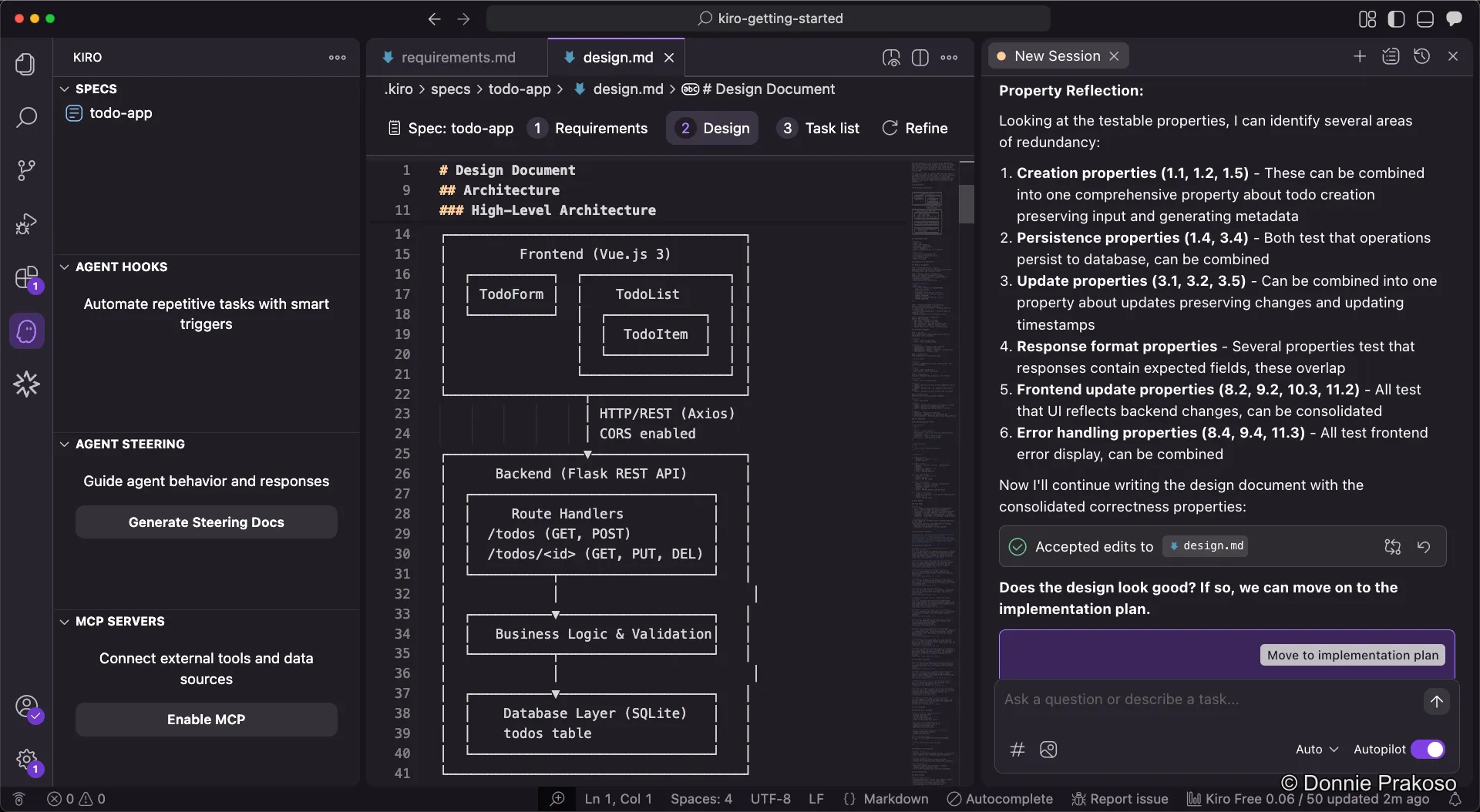
Kiro generates an architecture diagram as part of the design document, giving you a visual overview of how the system components interact.
-
Preview the design document
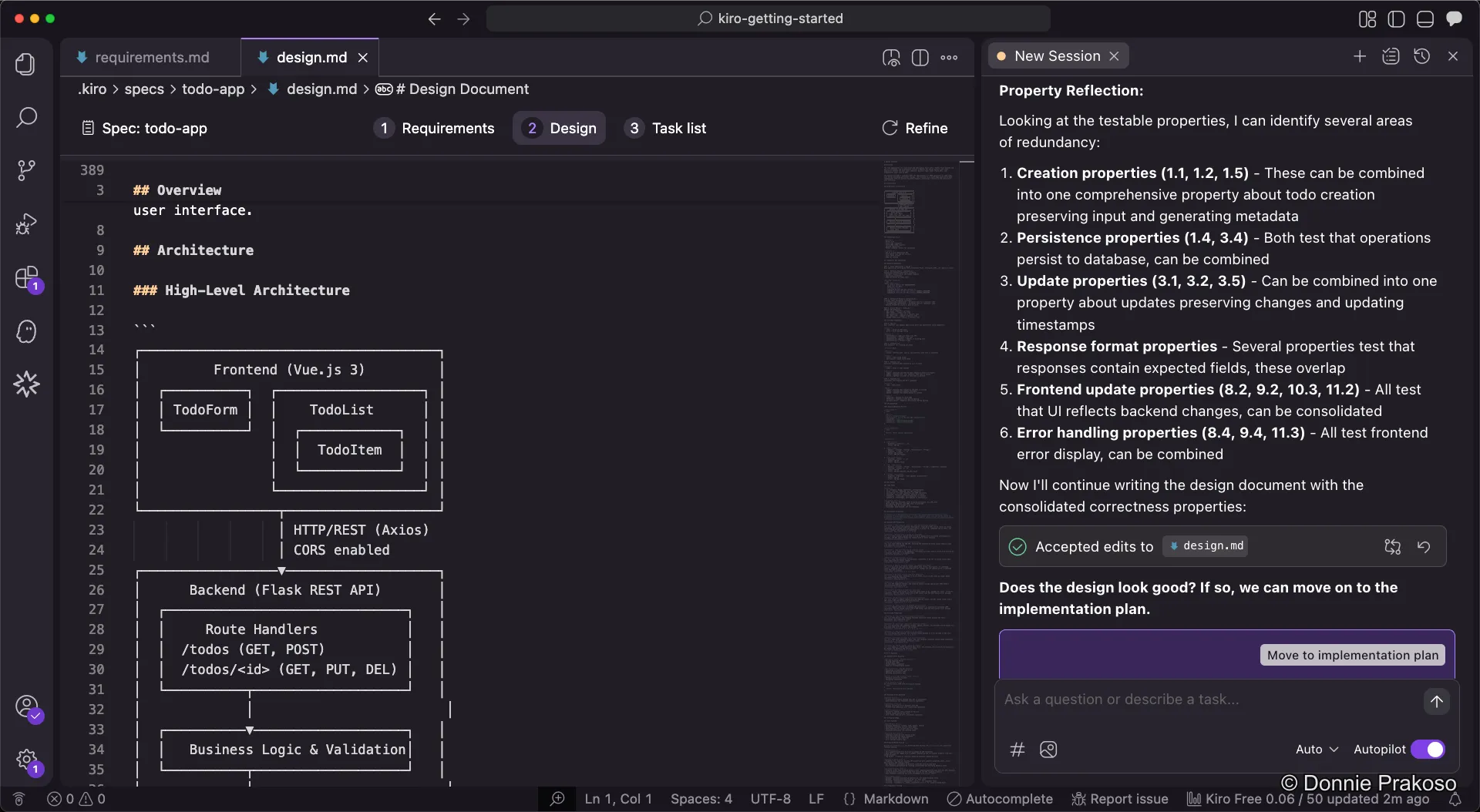
Since spec documents are Markdown-based, you can preview them in a rendered view for easier reading.
-
Review the rendered preview
The preview shows the full design document with formatted diagrams, tables, and structured content.
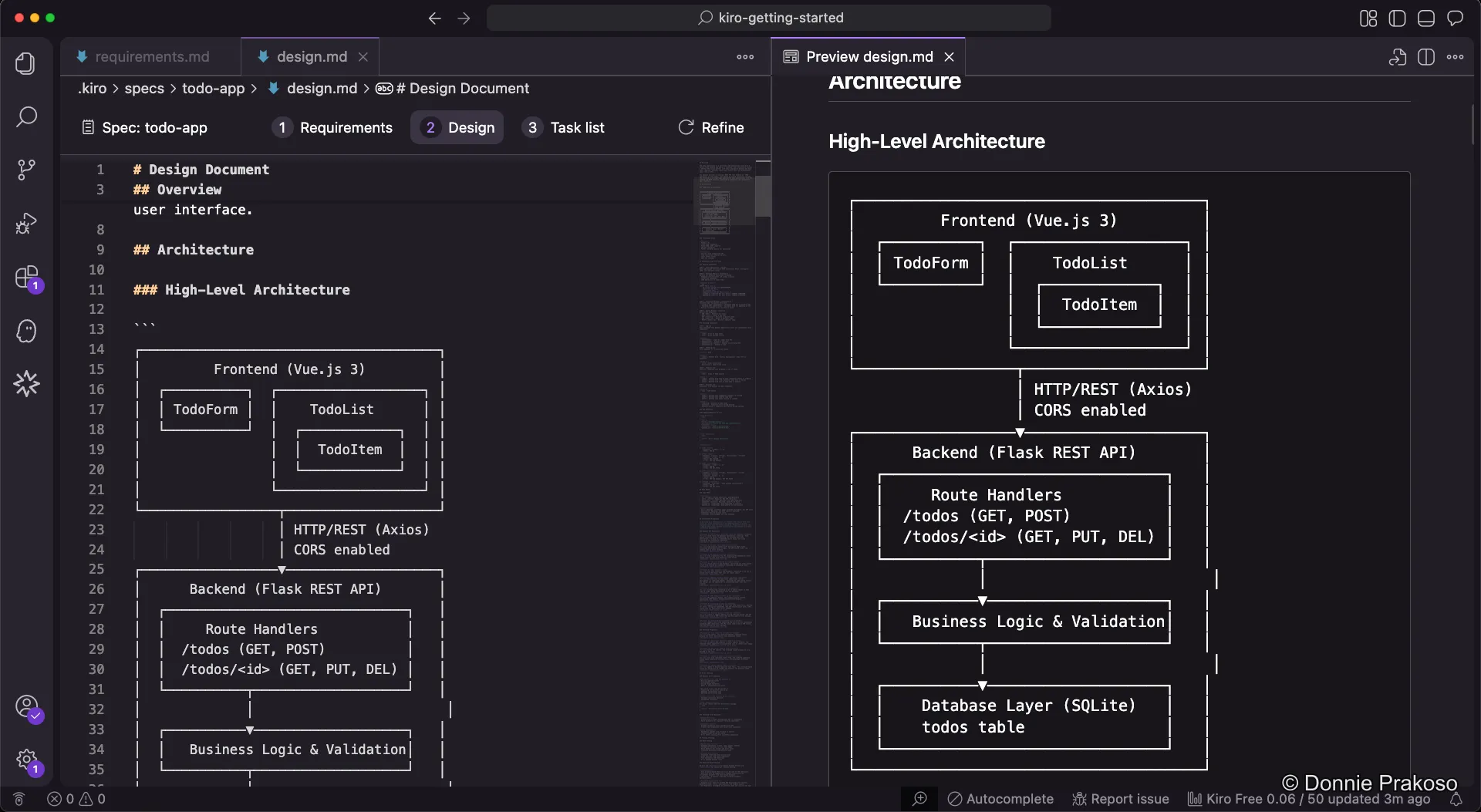
You can preview all spec documents this way — requirements, design, and task list.