Iterating with Specs
One of the strengths of spec-driven development is the ability to iterate by updating your specs.
-
Ask Kiro to update the specs
To add features or make changes, ask Kiro to update the specs file rather than making ad-hoc code changes.
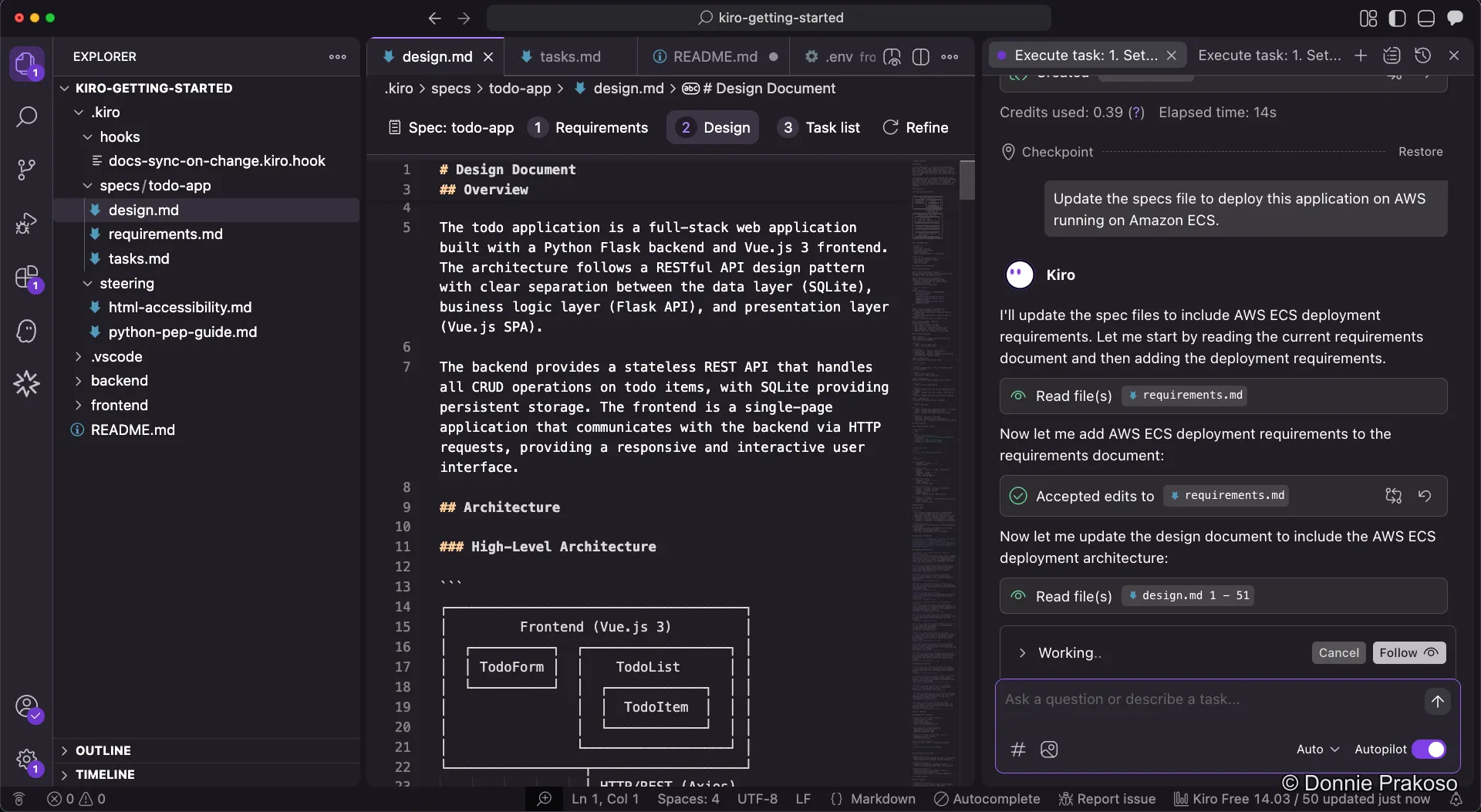
-
Review updated specs and task list
Kiro updates all the spec documents — requirements, design, and task list — to reflect the new changes. New tasks appear in the task list, ready to be executed.
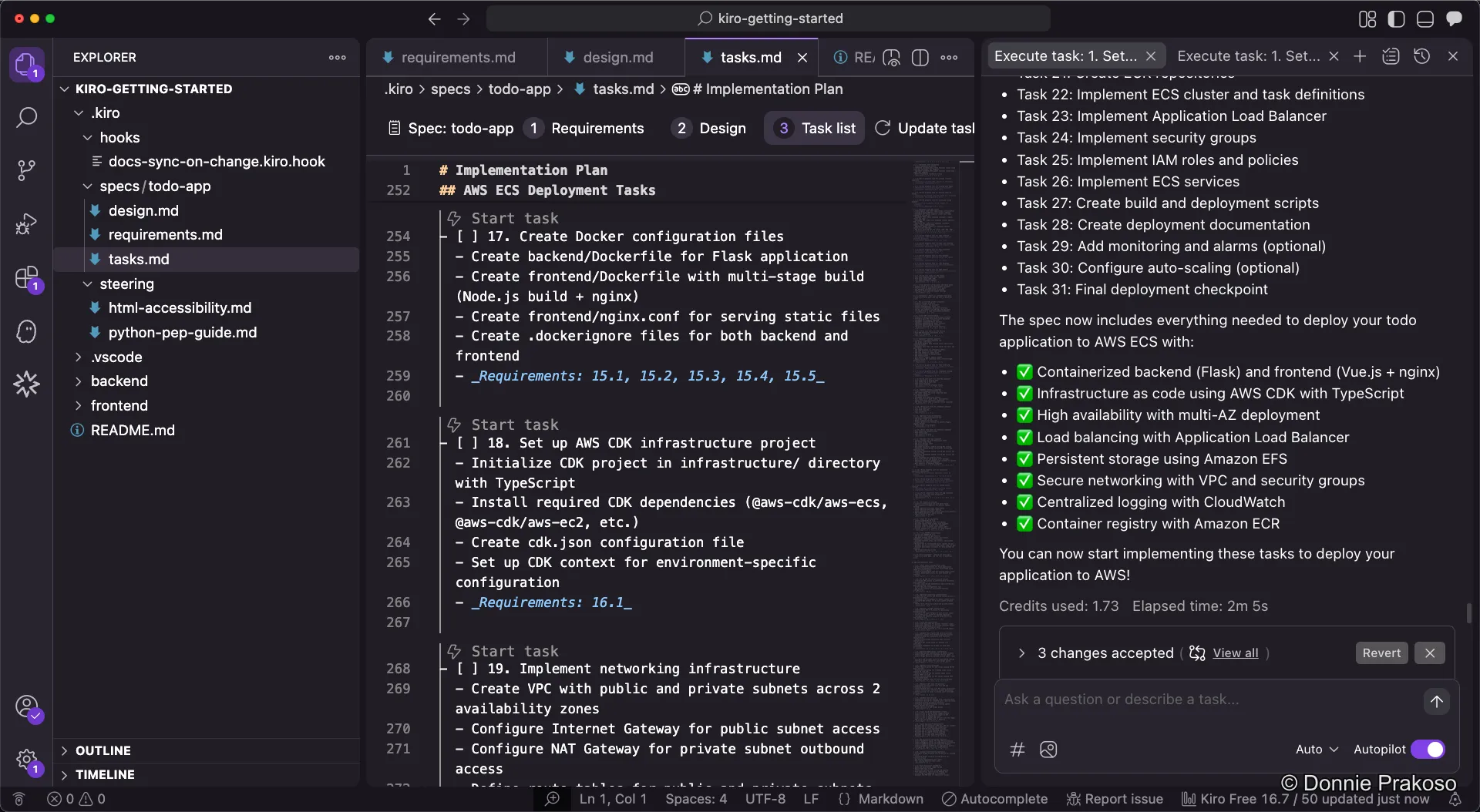
Then, you can start building with Kiro using the updated task list, just like before.