Workspace & Credits
Getting started options
Section titled “Getting started options”Kiro offers several ways to start working:
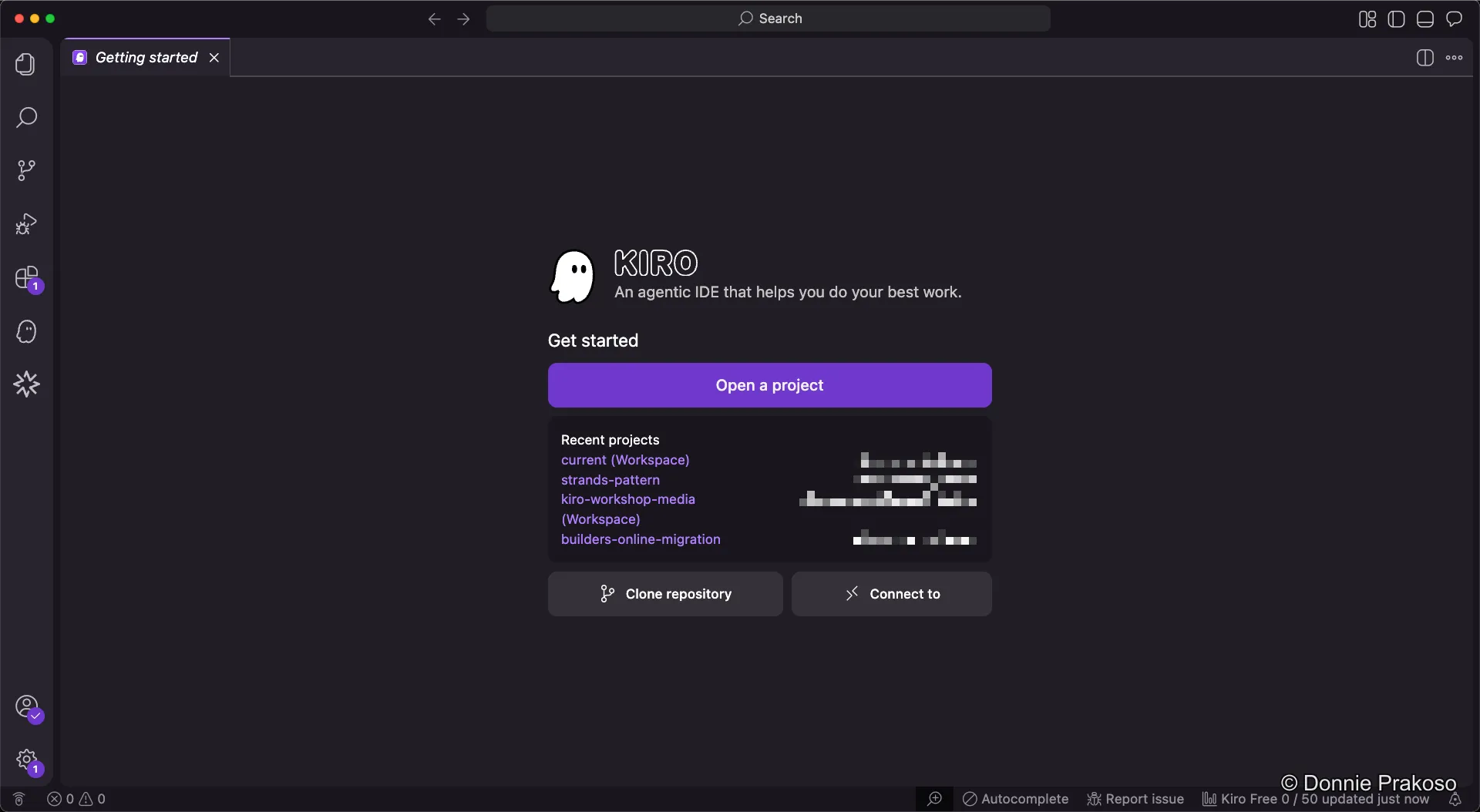
- Open a project — Add existing folders from your local machine into your workspace.
- Clone a repository — Clone a Git repository directly into your workspace.
- Connect via SSH — Connect to remote SSH servers (requires the SSH plugin).
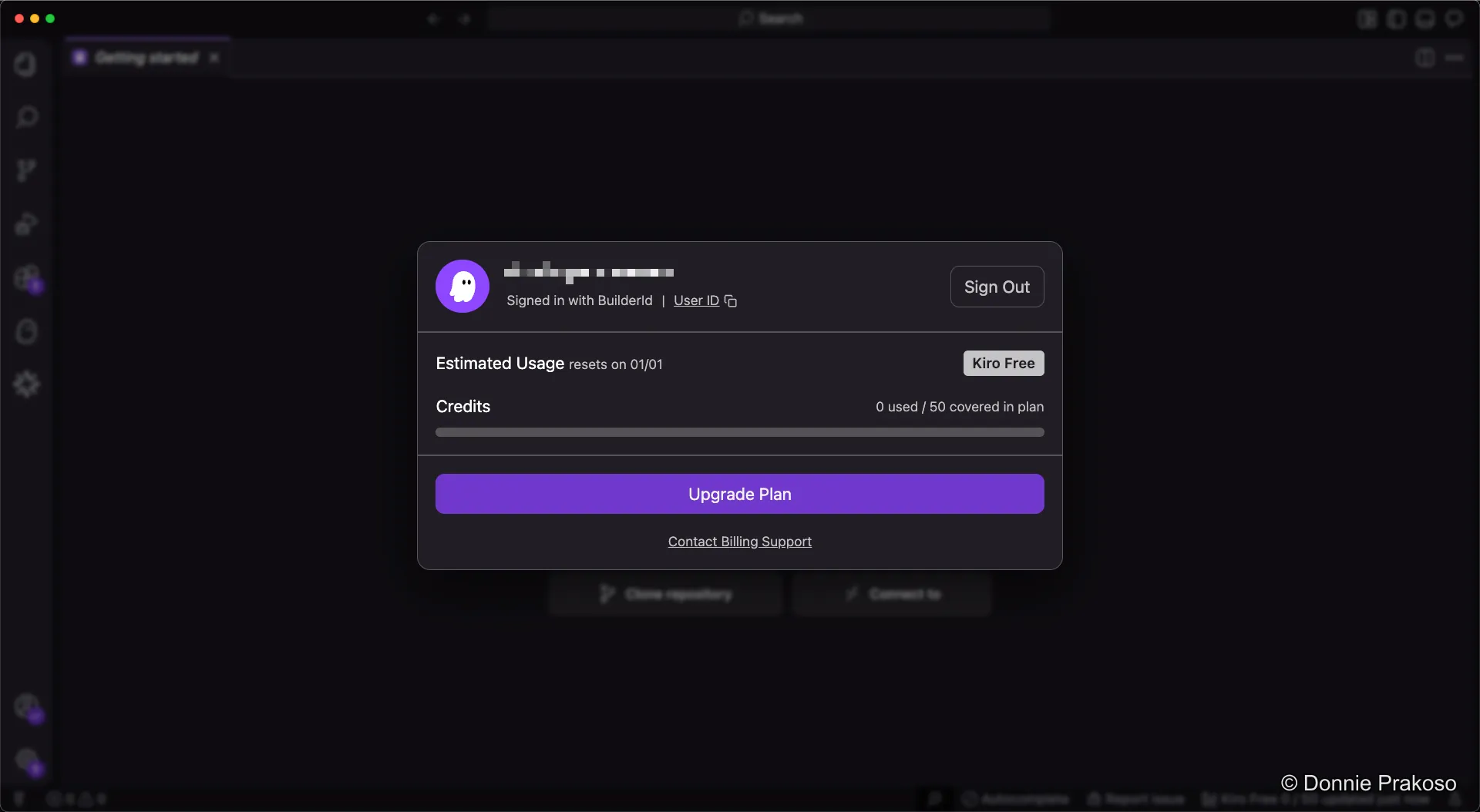
You can also open the Accounts panel at the bottom left to view your usage details and account information.
Understanding usage and credits
Section titled “Understanding usage and credits”-
Open the Accounts panel
Click the Accounts button to see your usage and credit information.
-
Track your credit usage
Your Kiro usage resets on the first day of each month. The panel shows how many credits you’ve consumed.