Welcome & Sign In
-
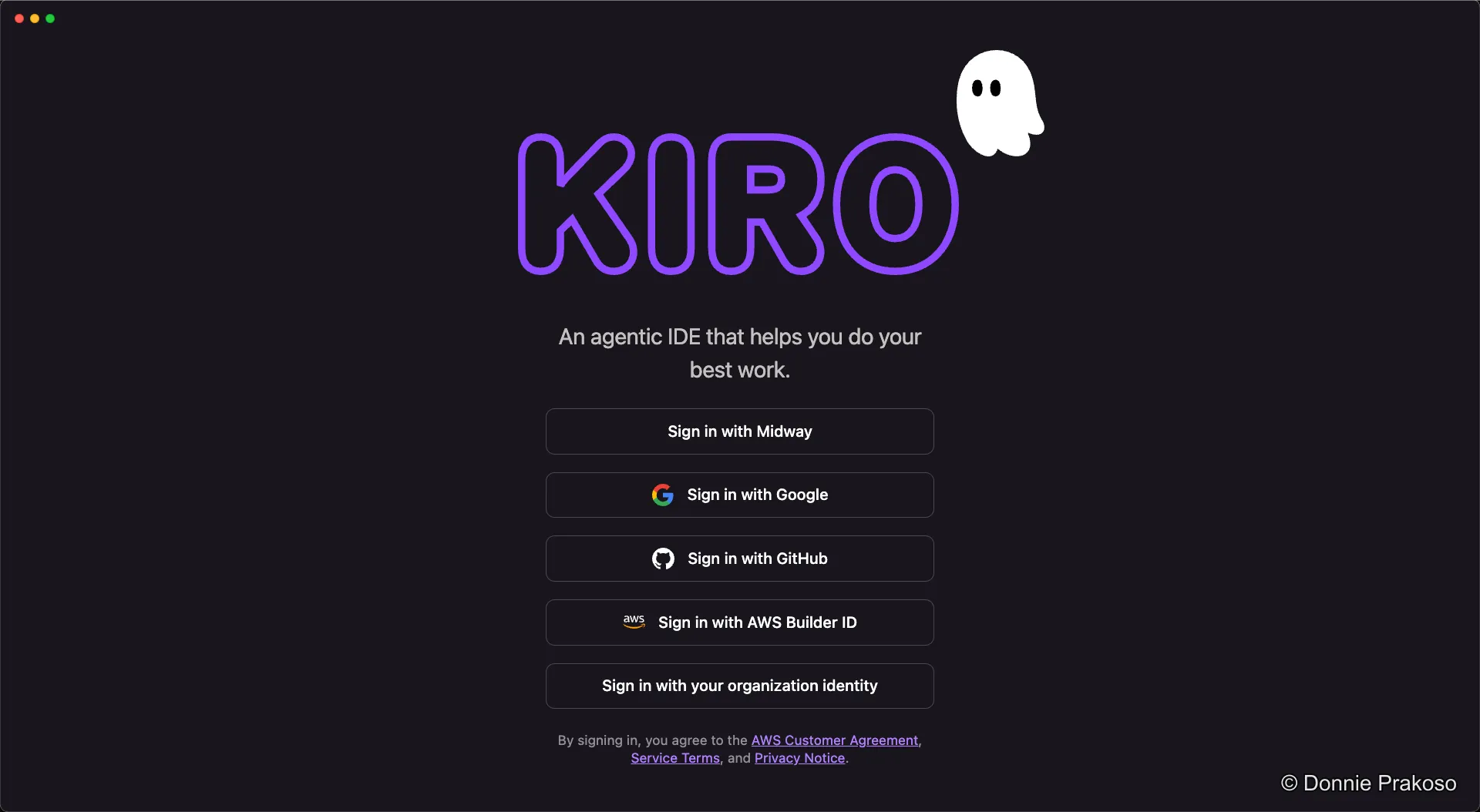
Open Kiro and sign in with AWS Builder ID
When you first launch Kiro, you’ll see the sign-in screen. Select AWS Builder ID as your sign-in option.
-
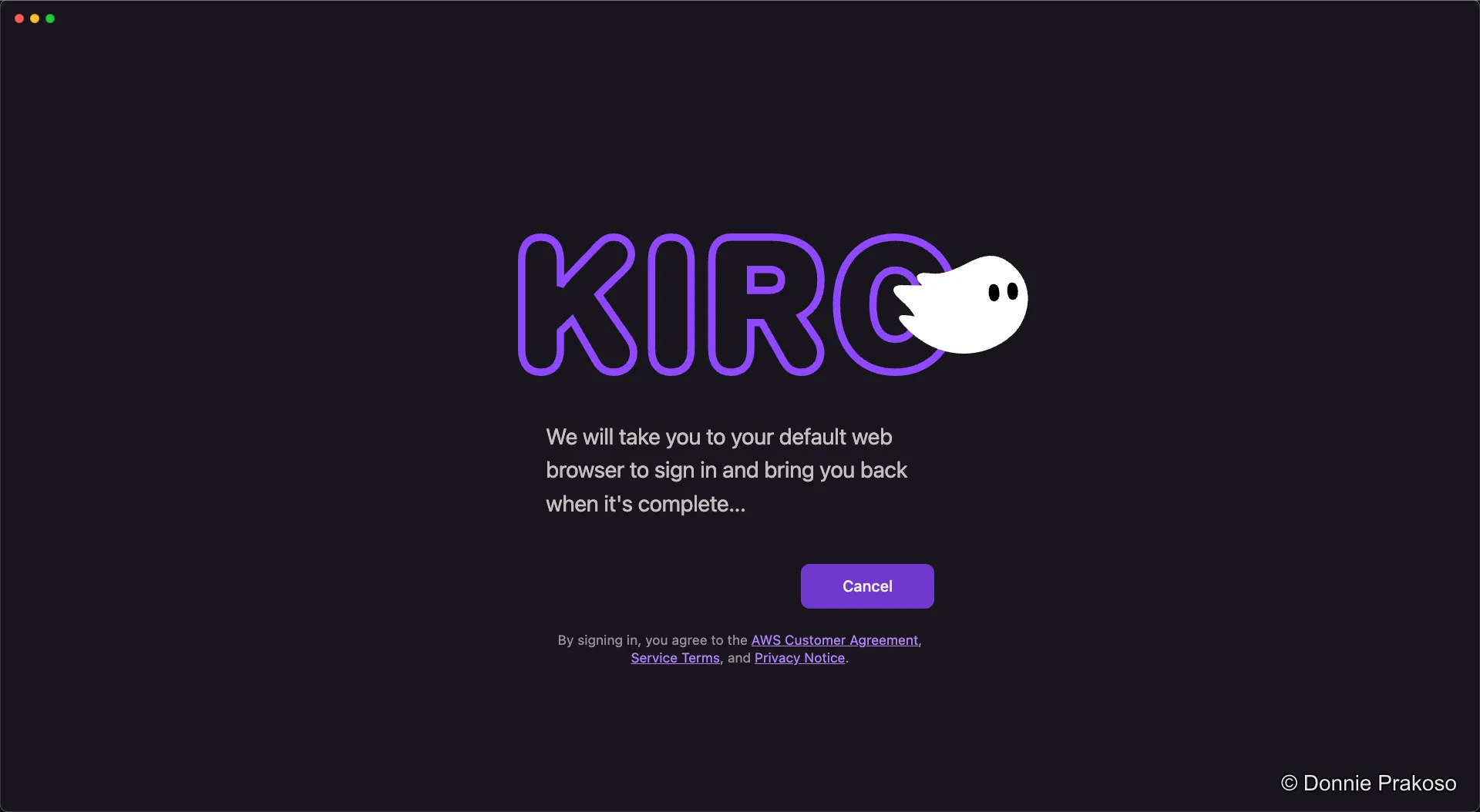
Complete browser-based authentication
Kiro will open your default browser to complete the sign-in process.
-
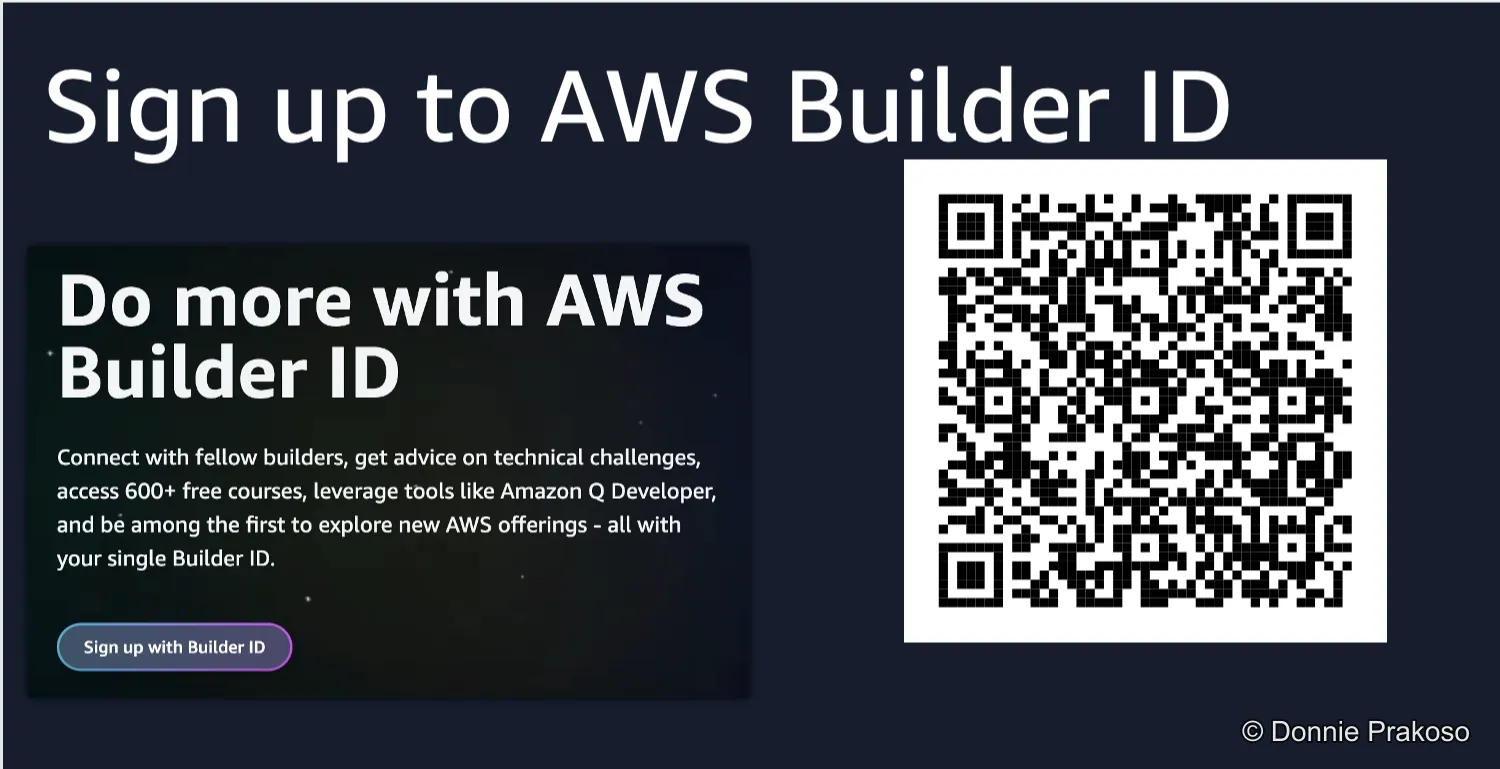
Create an AWS Builder ID (if needed)
If you don’t already have an AWS Builder ID, follow the sign-up flow in your browser.
-
Sign in with your credentials
Enter your AWS Builder ID credentials to complete the authentication.
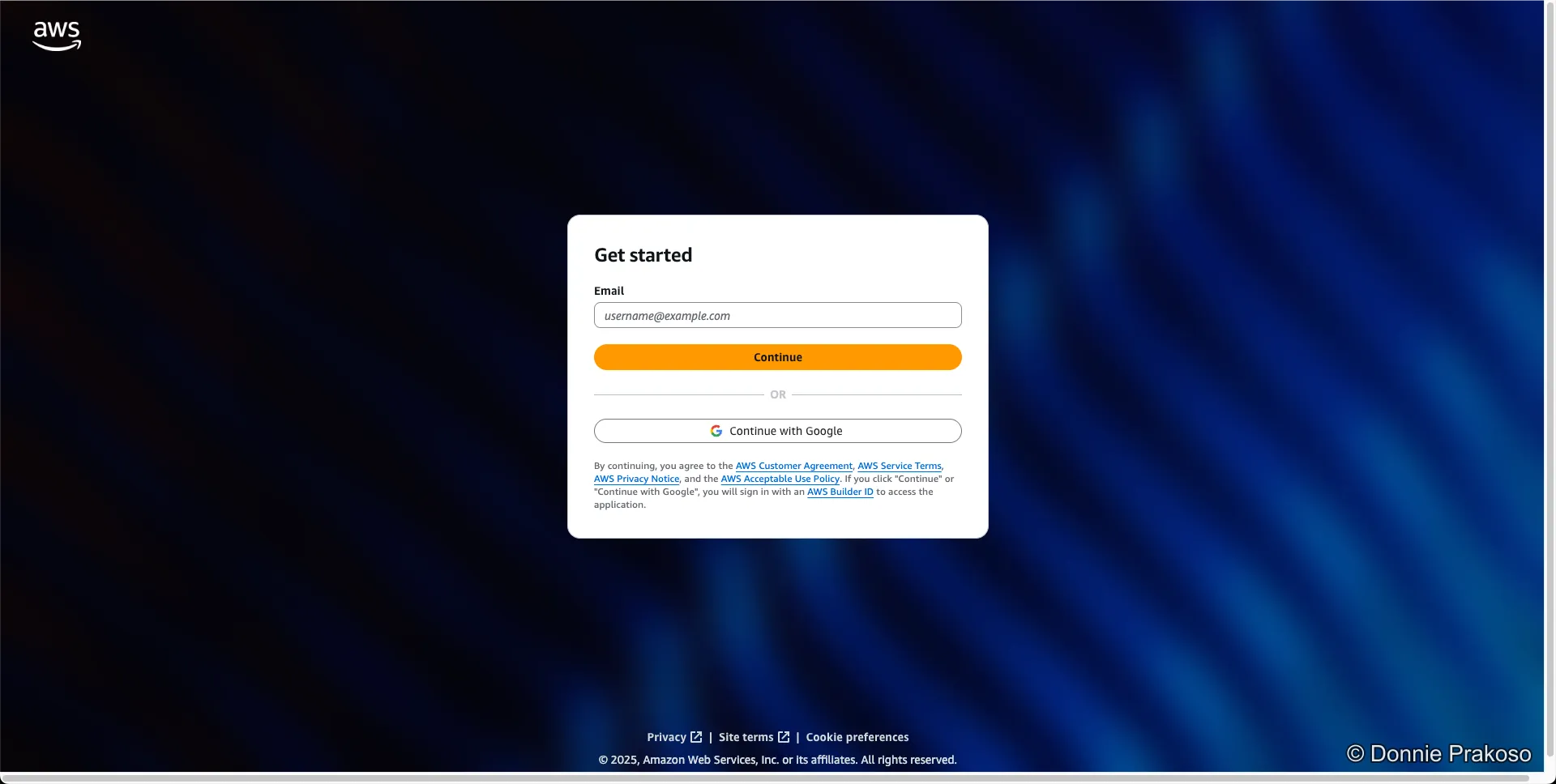
Once signed in, you’ll be taken to the Kiro workspace where you can start building.