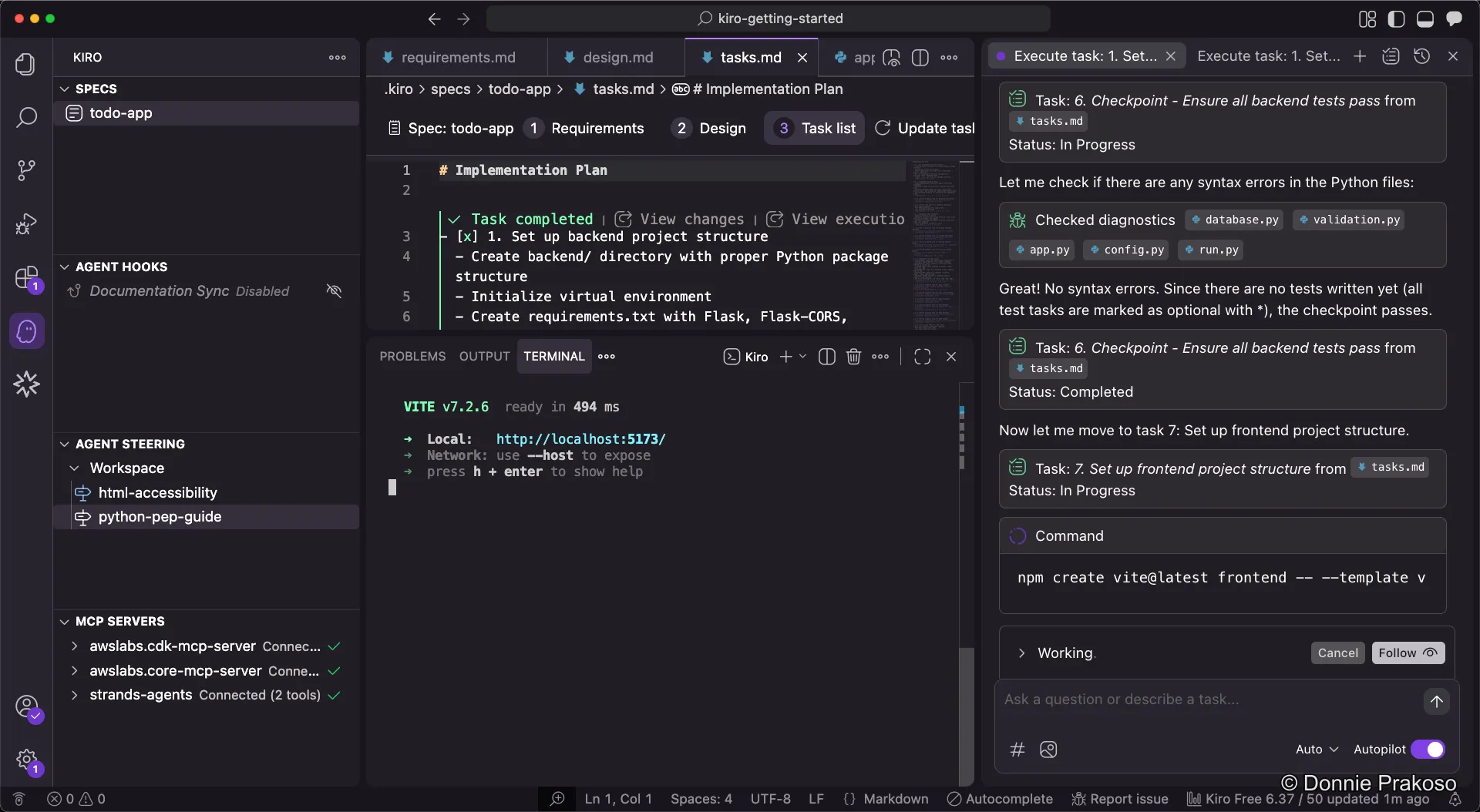
Running Tasks
With steering docs, agent hooks, and MCP servers configured, it’s time to start building. Kiro will work through the task list, implementing each task in order.
-
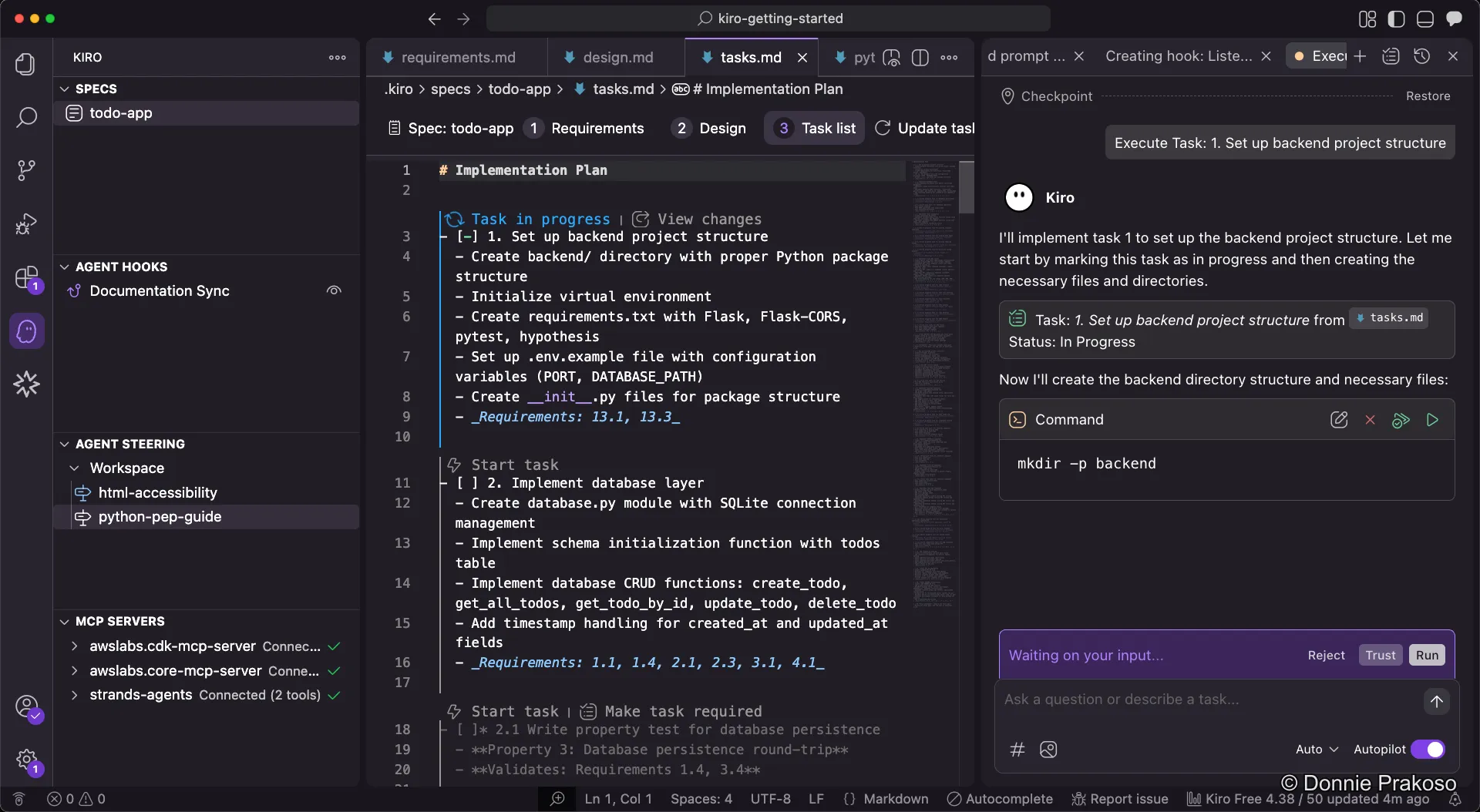
Start the first task
Open the task list and click Start task. Kiro immediately begins working and the status changes to Task in progress.
-
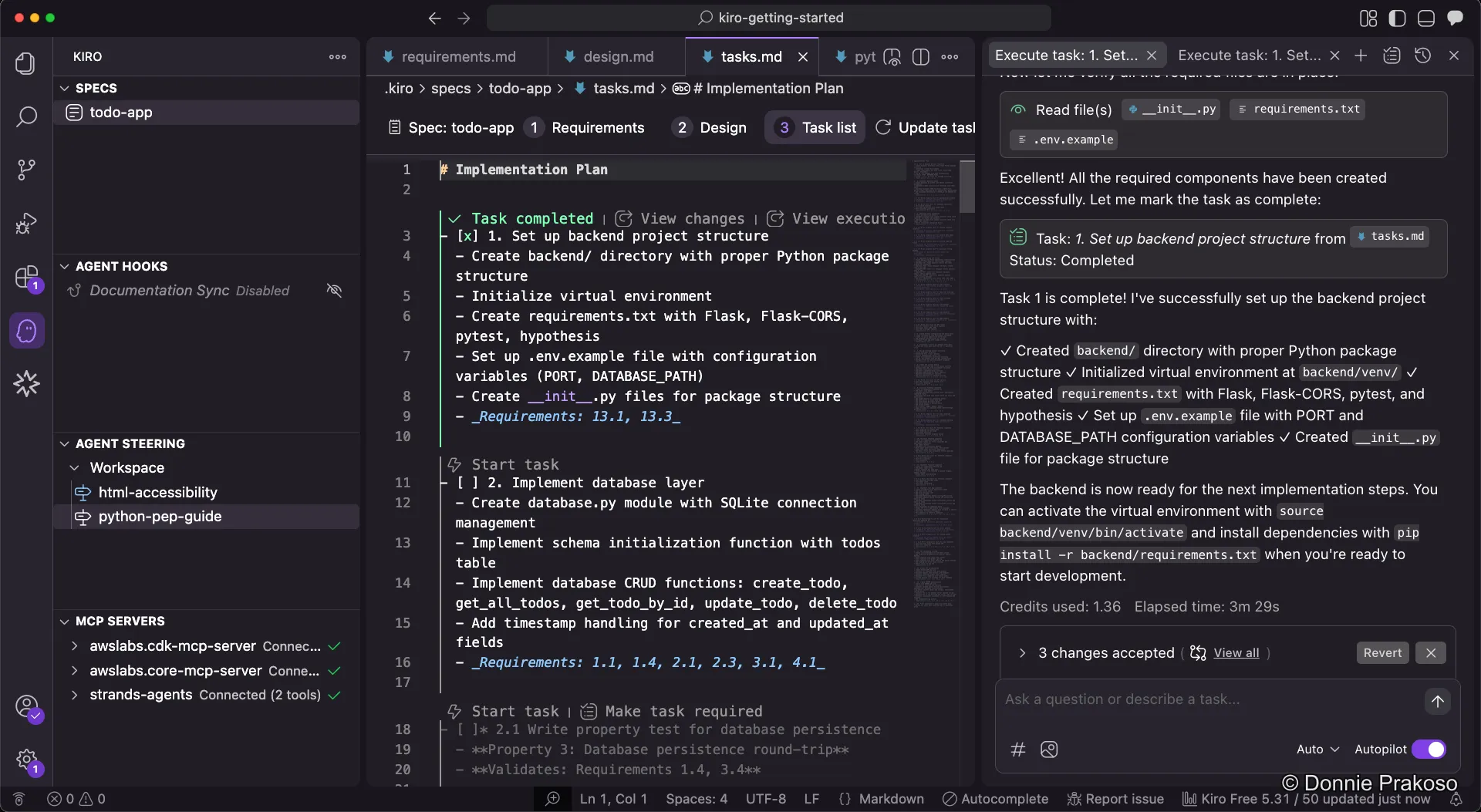
Monitor task progress
As Kiro works, it updates the task status. You can follow progress in the chat panel.
-
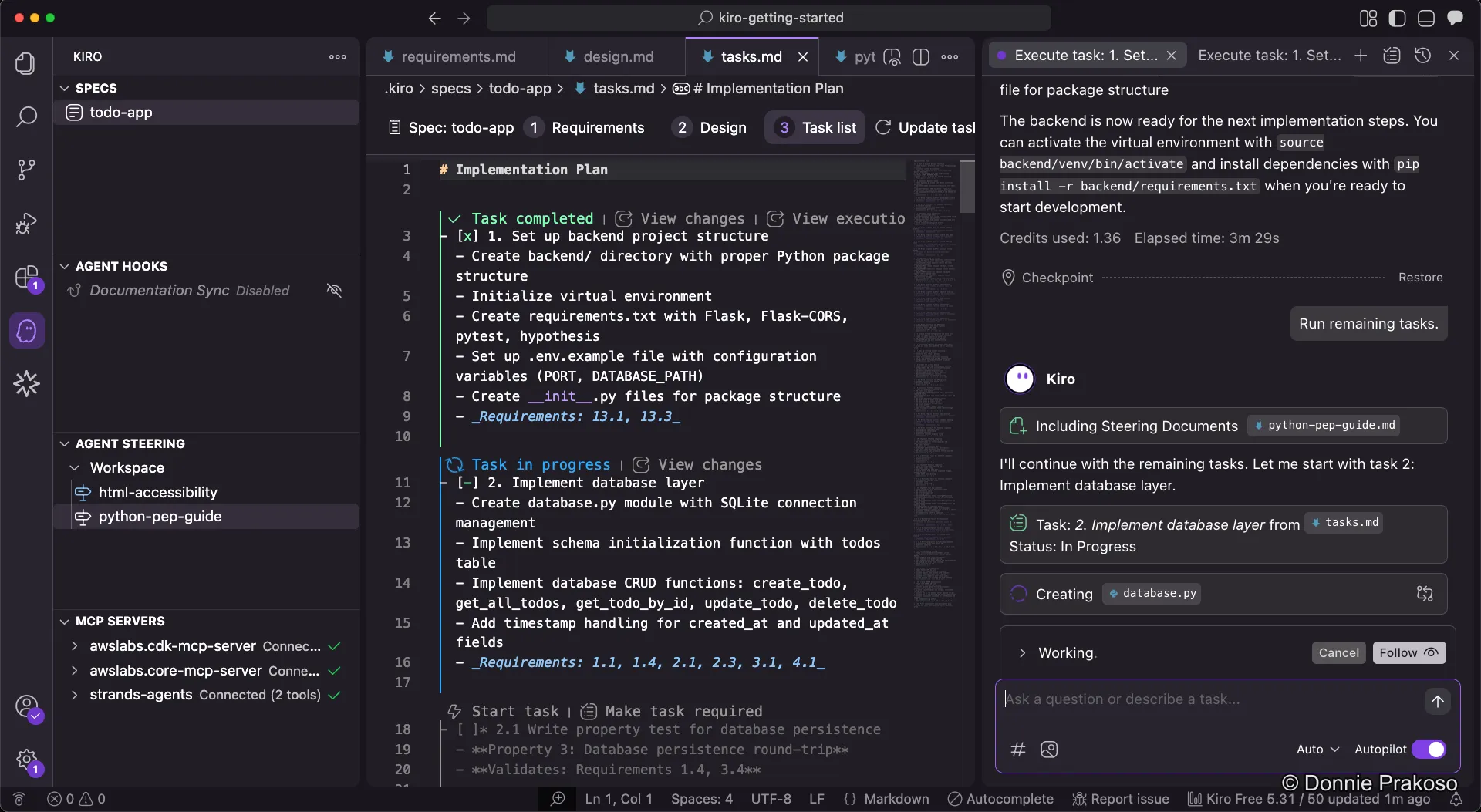
Continue to the next task
Once a task completes, move to the next one and click Start task again.
-
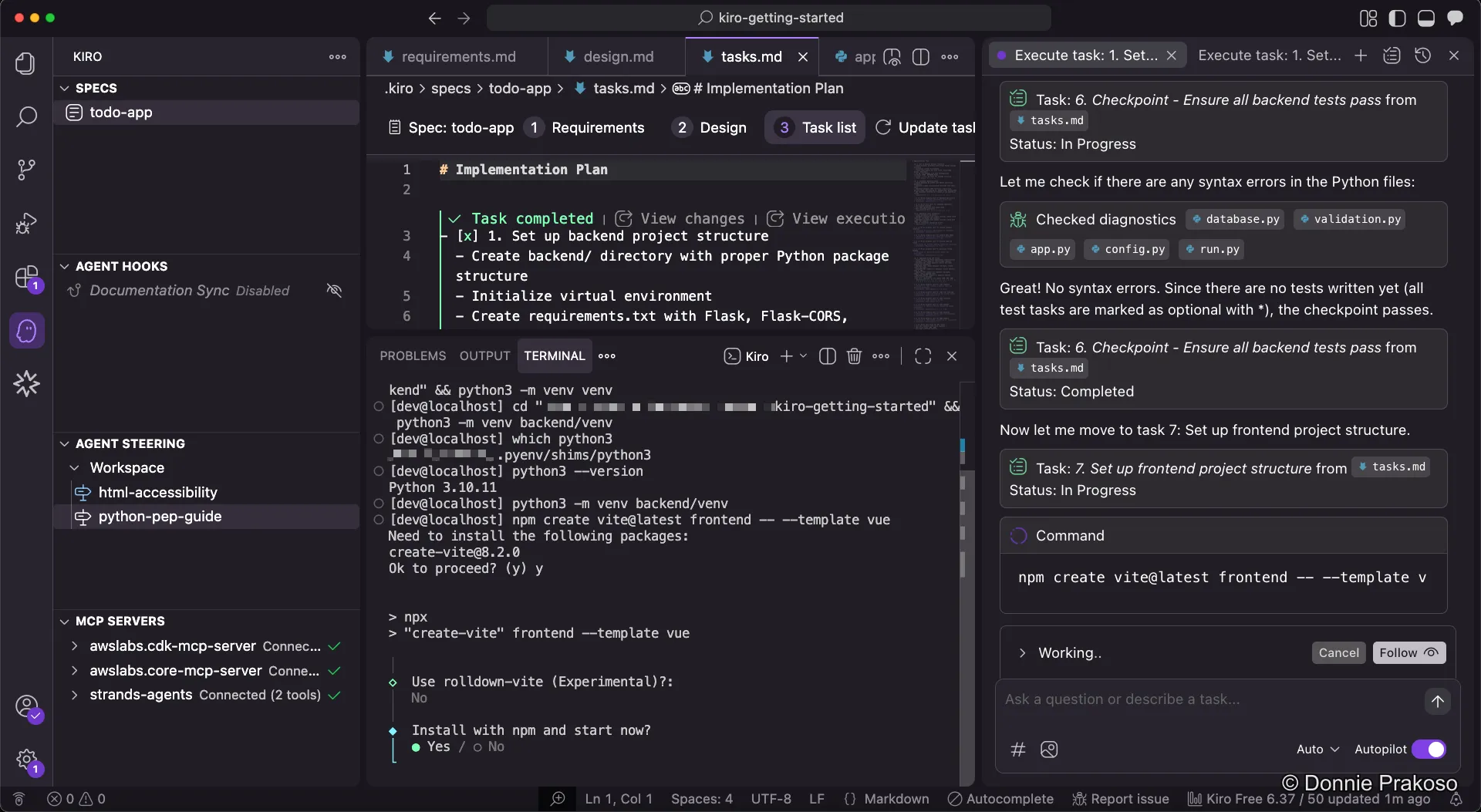
Handle confirmation requests
At some points, Kiro will need your confirmation — for example, when installing tools or running commands.
-
Confirm tool installations
Kiro may ask you to confirm that tools like Vite are installed and running successfully.