Context & Prompting
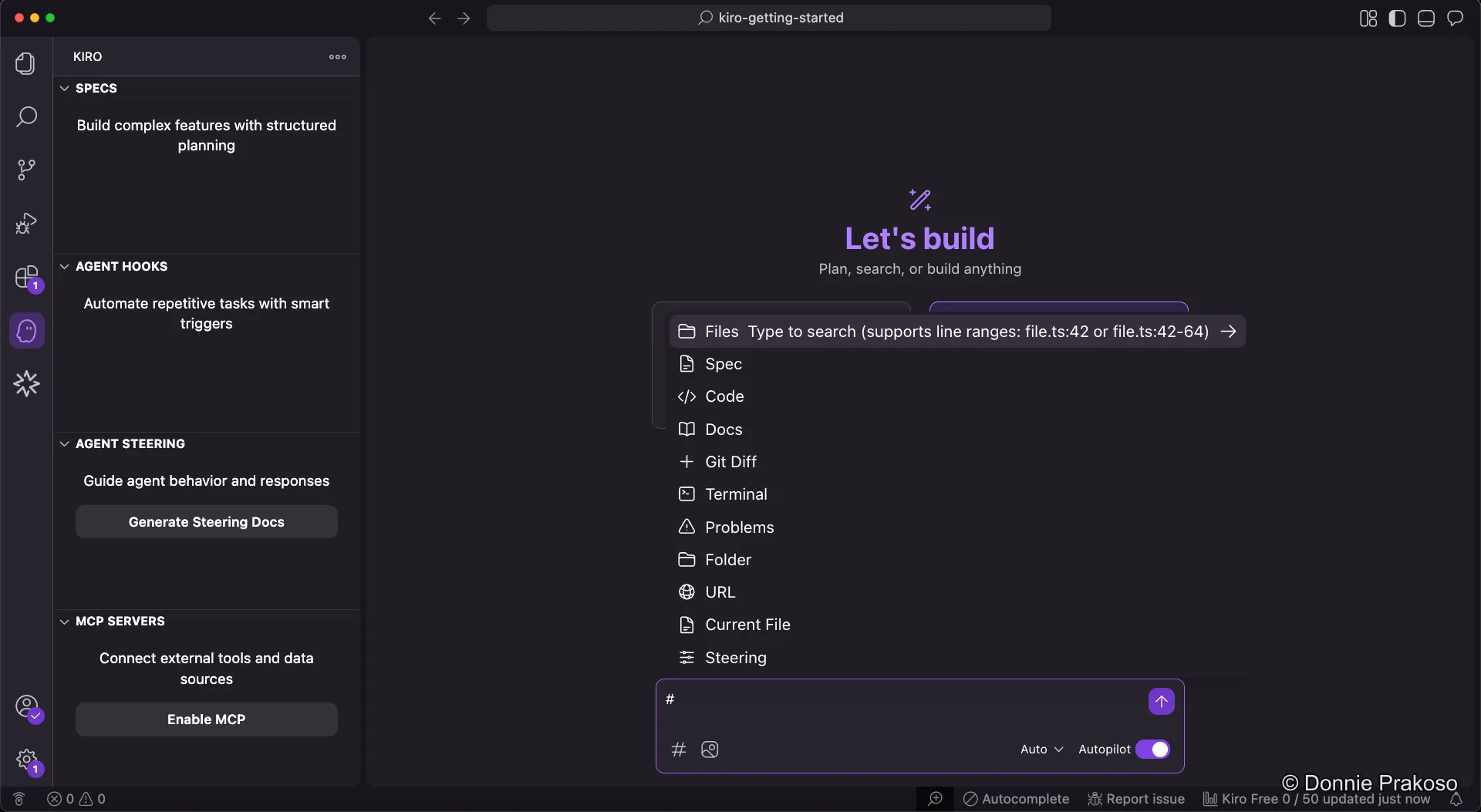
Adding explicit context
Section titled “Adding explicit context”To get better results from Kiro, you can add context to your prompts. Kiro supports several context types, including files and images.
Creating a todo list app
Section titled “Creating a todo list app”In this workshop, we’ll build a todo list application with a Python Flask backend and Vue.js frontend. Let’s start with the initial prompt.
-
Enter your prompt
In the Kiro chat, type the following prompt:
Initial prompt Create a todo list application. This application is API first, using backend with Python running on Flask. The frontend is using Vue JS.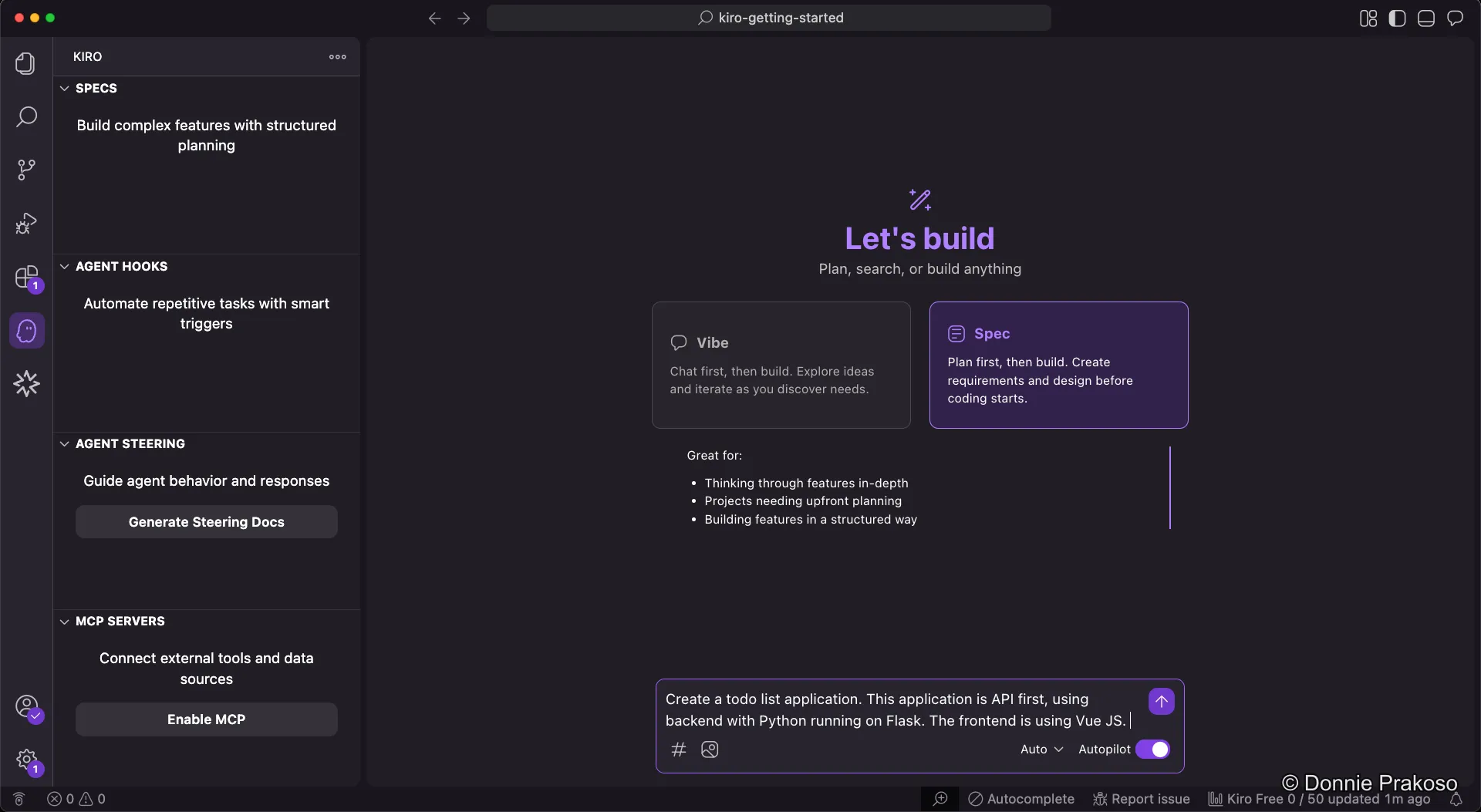
-
Choose your approach
You can either select Spec to go directly into spec-driven development, or refine the prompt first using Vibe mode. We’ll explore both approaches in the next section.