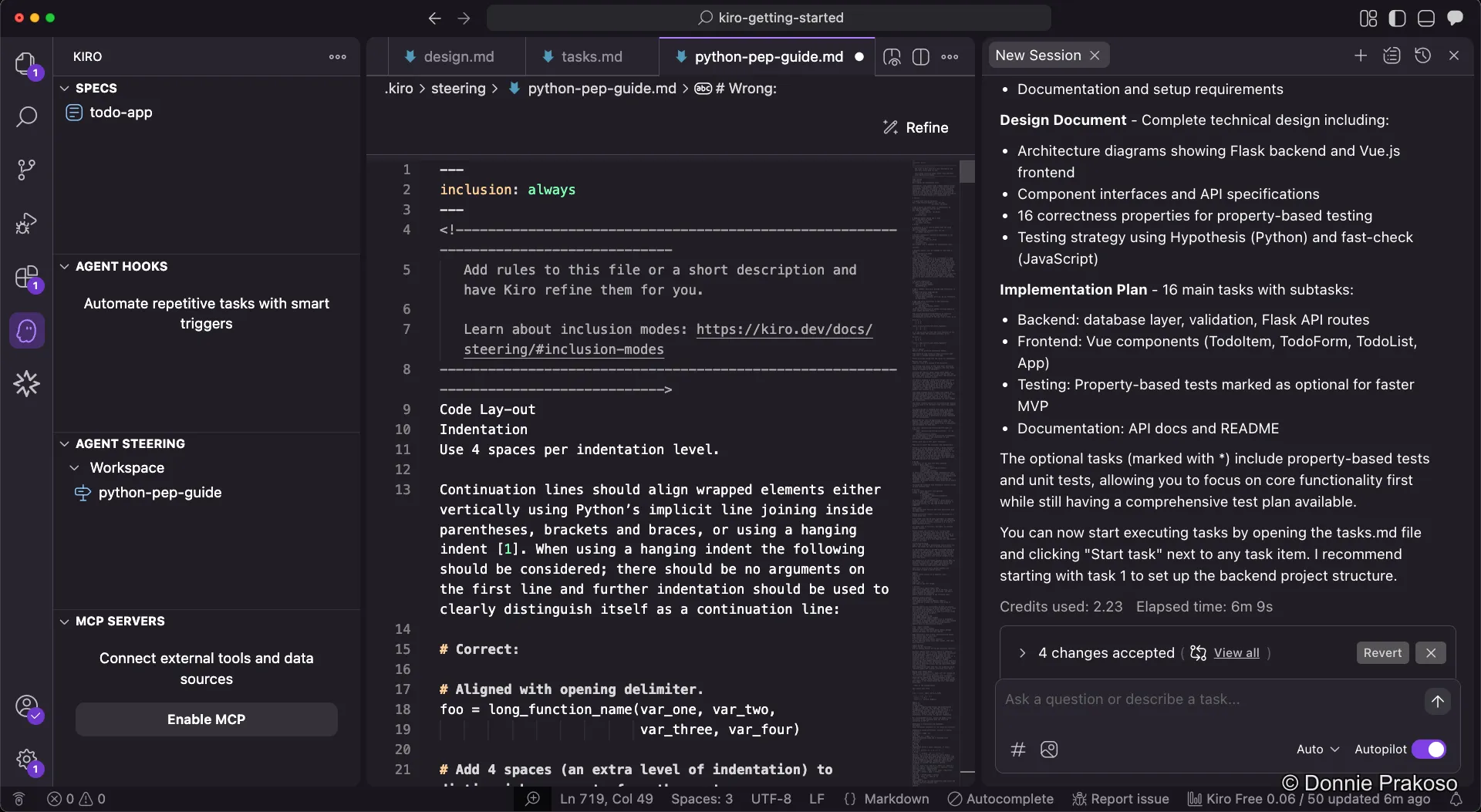
Task Lists & Steering Docs
Understanding the task list
Section titled “Understanding the task list”Once Kiro finishes the implementation plan, you can open the task list document to see all structured tasks.
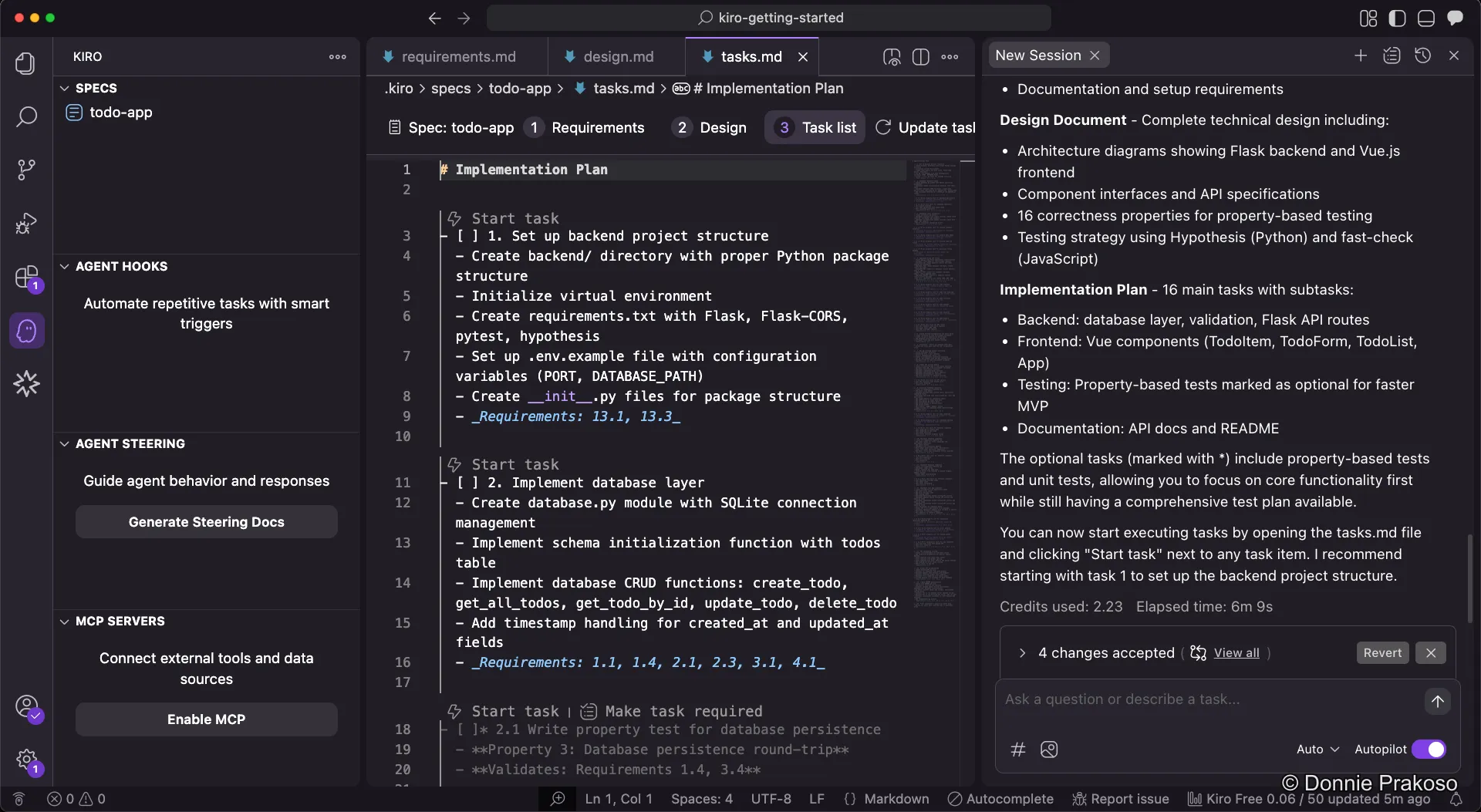
The task list contains structured tasks organised from the ground up. You can:
- Track progress for each task
- See dependencies between tasks
- Click Start task to have Kiro begin working
What are steering docs?
Section titled “What are steering docs?”Steering docs give Kiro persistent knowledge about your workspace. You can add steering files to guide Kiro to follow established patterns, libraries, and standards.
-
Open the steering docs panel
Navigate to the steering docs section in the sidebar. You have several options:
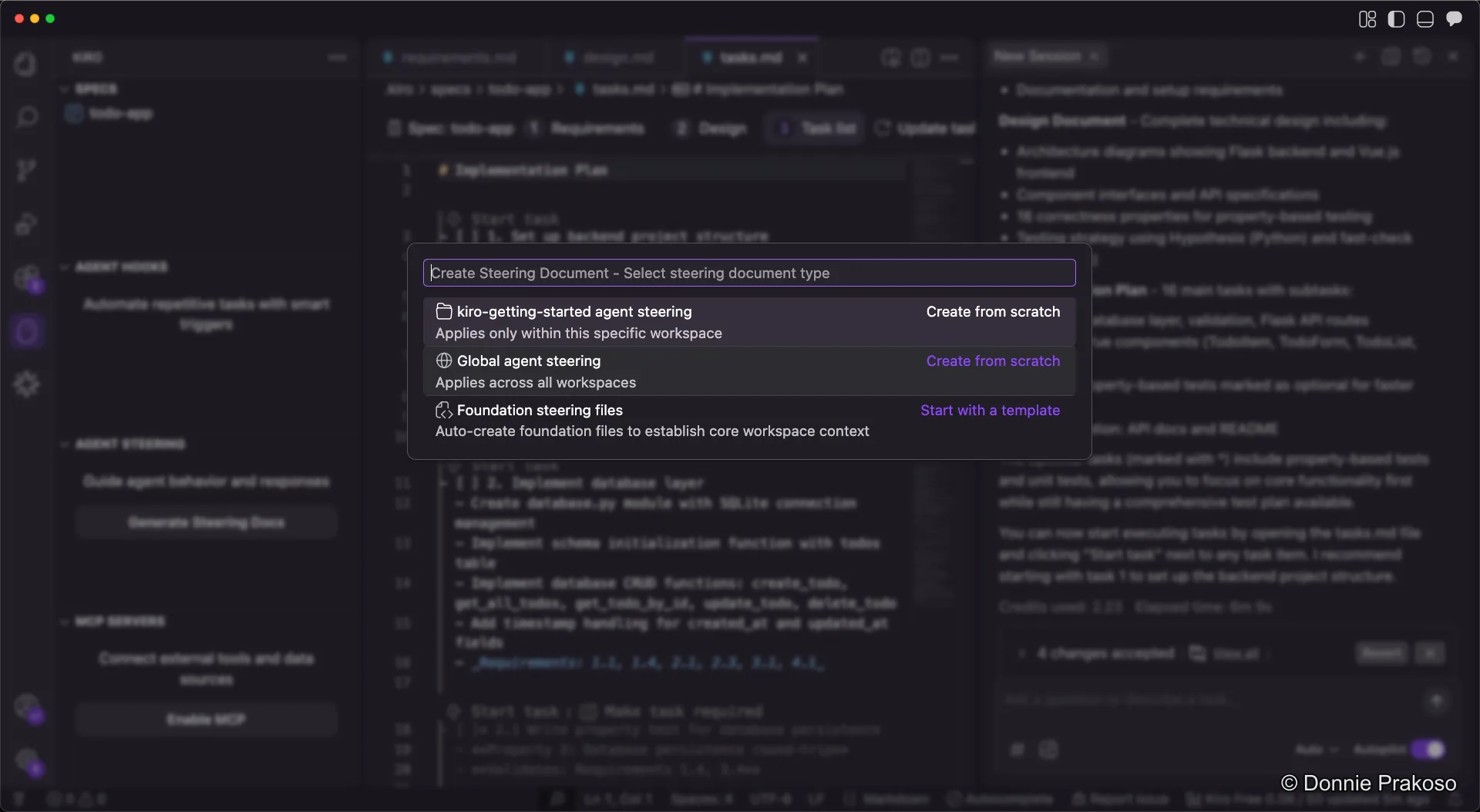
- Create from scratch — Write a steering doc that applies to the current or all workspaces
- Auto-generate — Have Kiro create steering files based on your project
-
Add a Python PEP style guide
Since our app uses Python, we add the PEP style guide as a steering doc. Create a new steering file named
python-pep-guide.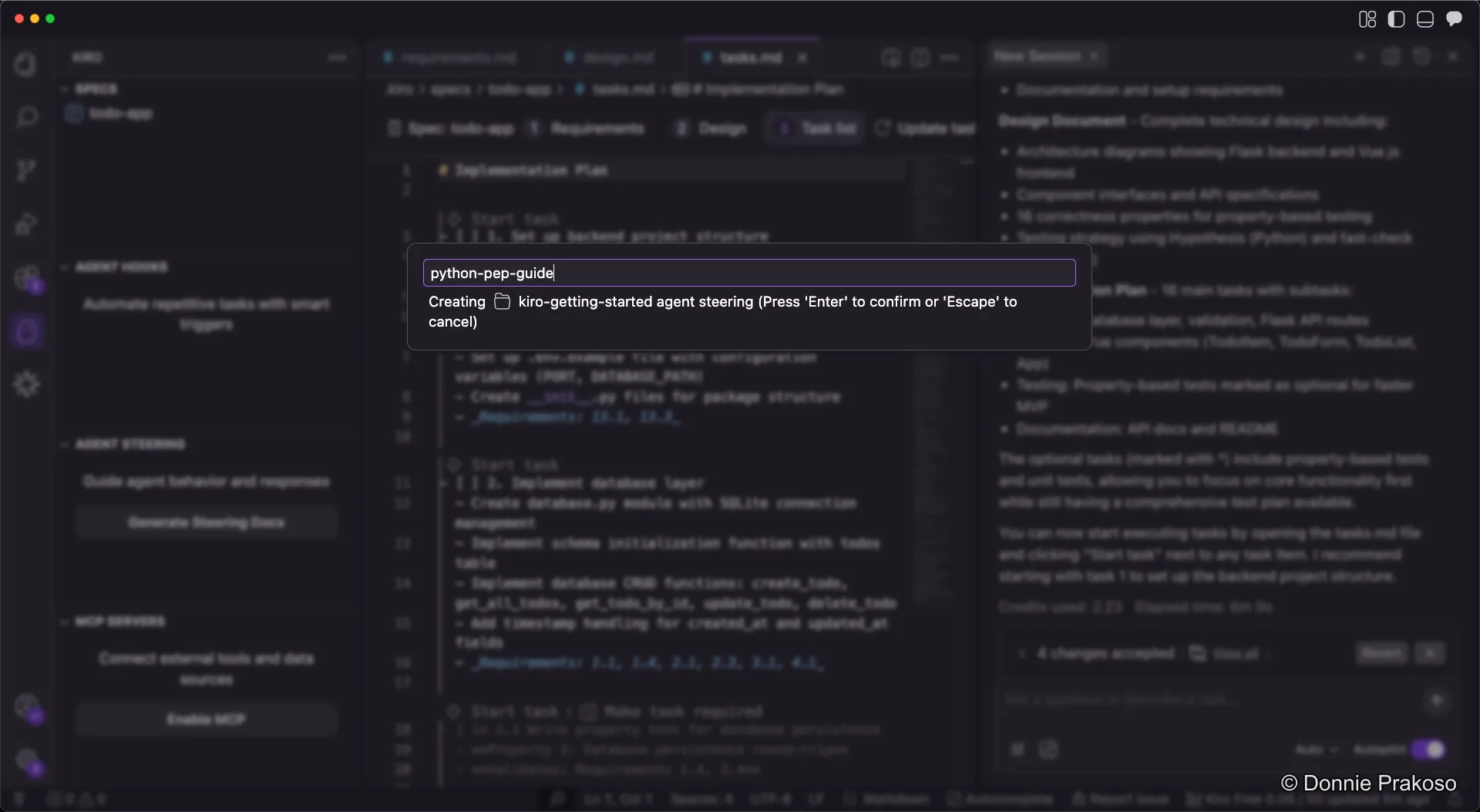
-
Populate the steering doc
Add the content from the Python PEP 8 style guide to guide Kiro’s Python code generation. The doc covers indentation, naming conventions, import ordering, and other style rules.