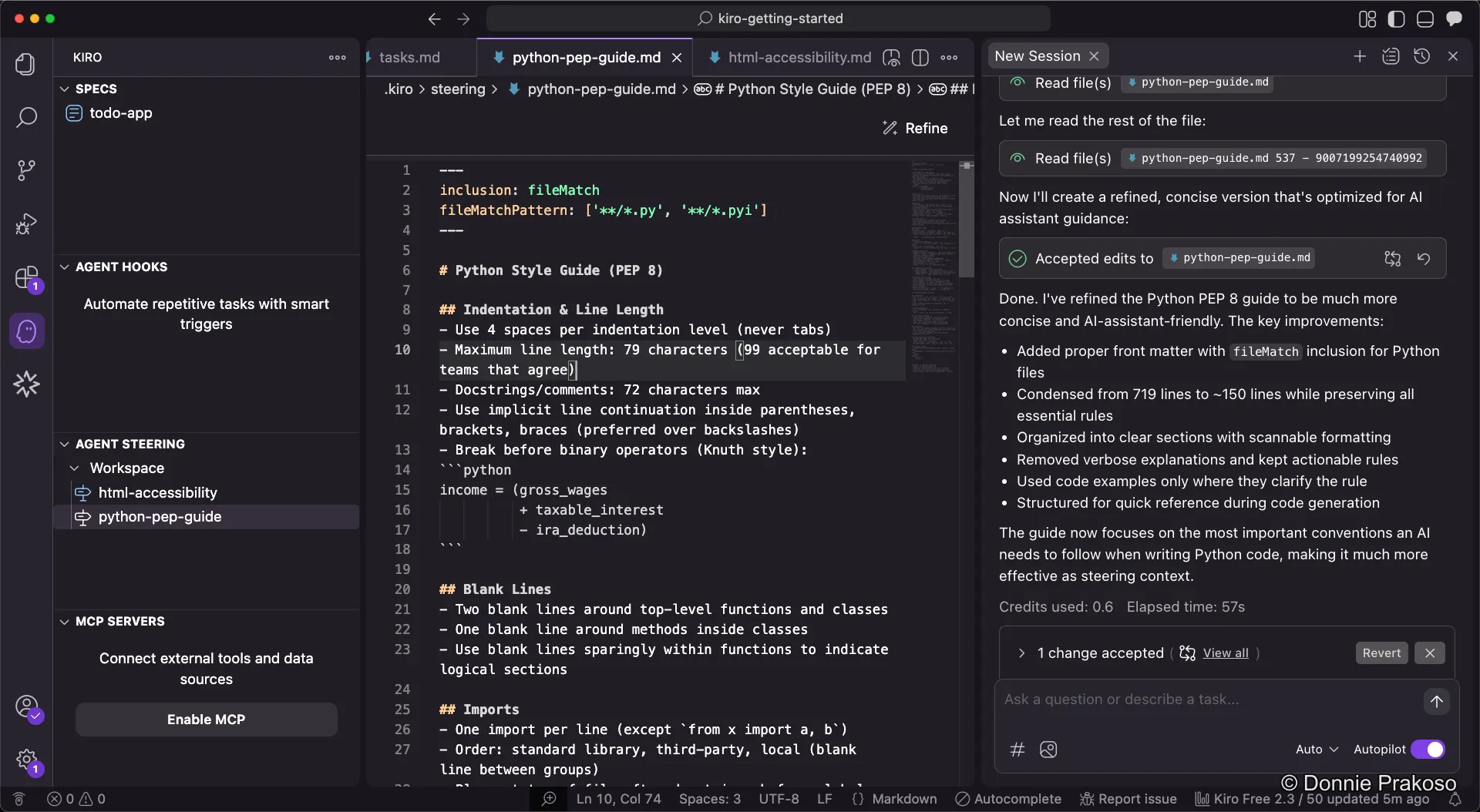
Refining Steering Docs
You can add multiple steering docs to separate context for Kiro. Let’s add an HTML accessibility guide and learn how to refine steering docs.
-
Add an HTML accessibility guide
Create a new steering doc named
html-accessibility. This helps Kiro structure web content with proper HTML tags and attributes for accessibility.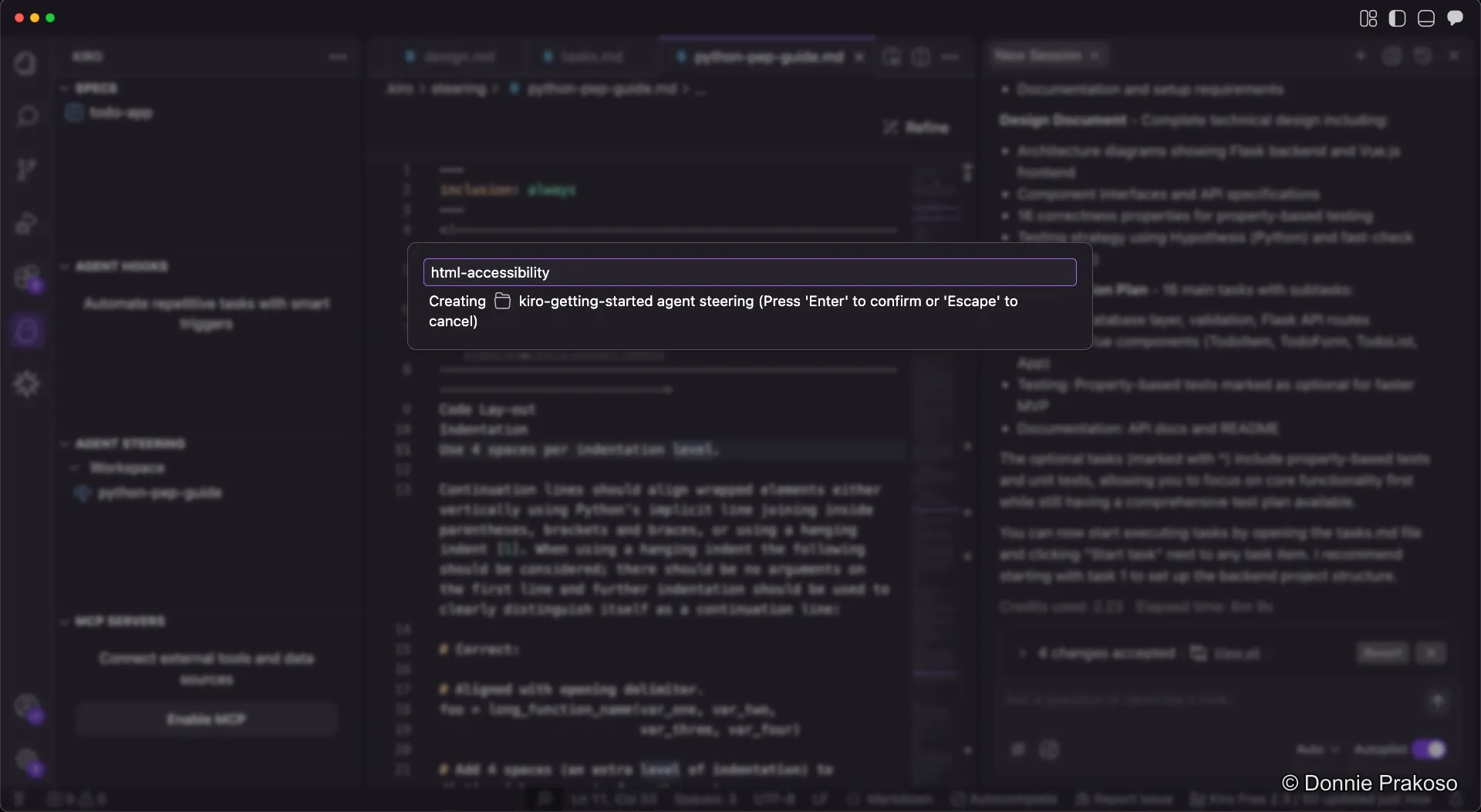
-
Add the accessibility content
Paste content from HTML: A good basis for accessibility into the steering doc. The content covers semantic HTML, good link practices, accessible data tables, text alternatives, and more.
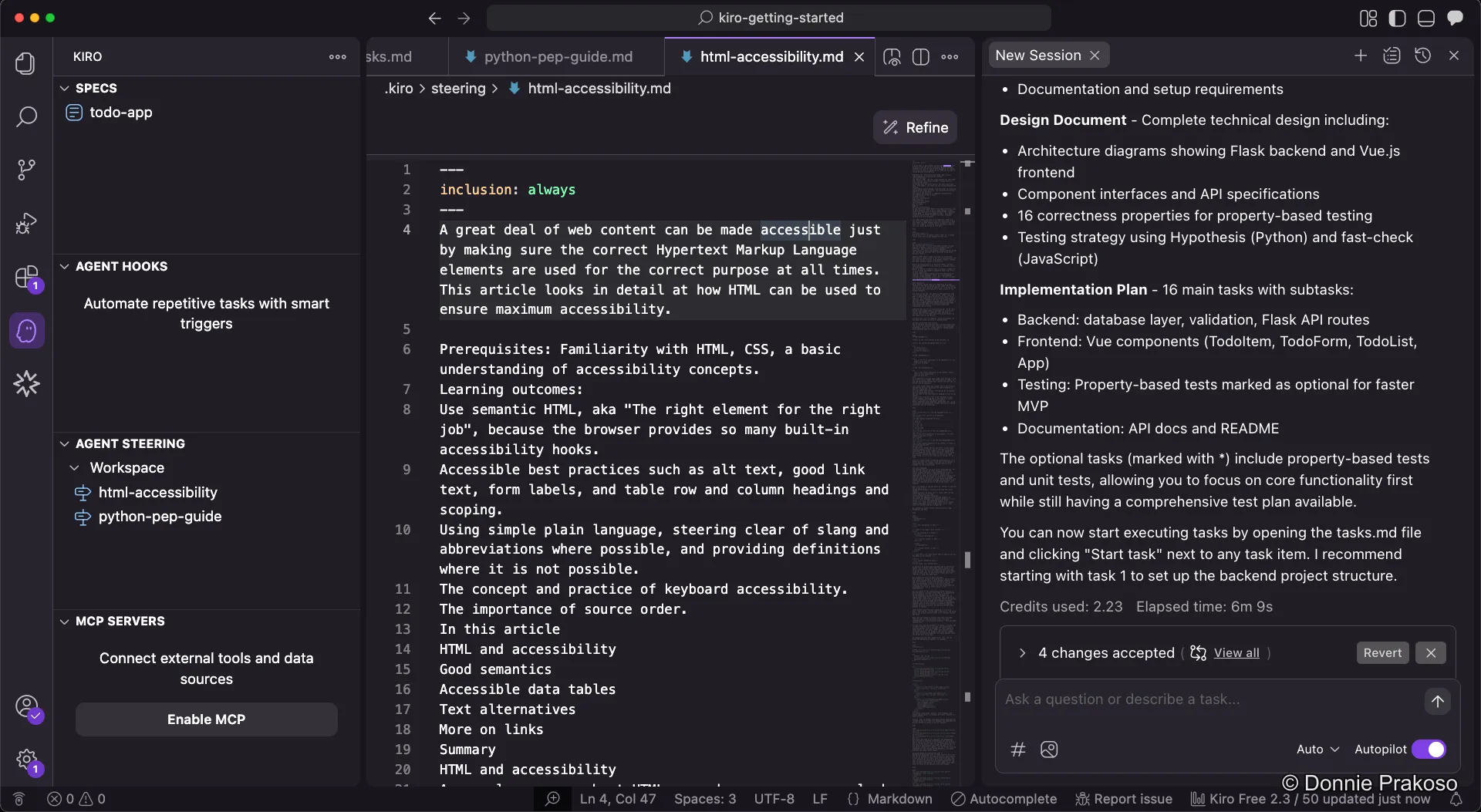
However, this raw documentation isn’t optimised for Kiro to process.
-
Refine the document
Click the Refine button to make the document more “agent-friendly” for Kiro. This restructures the content into a format that’s easier for the AI to follow.
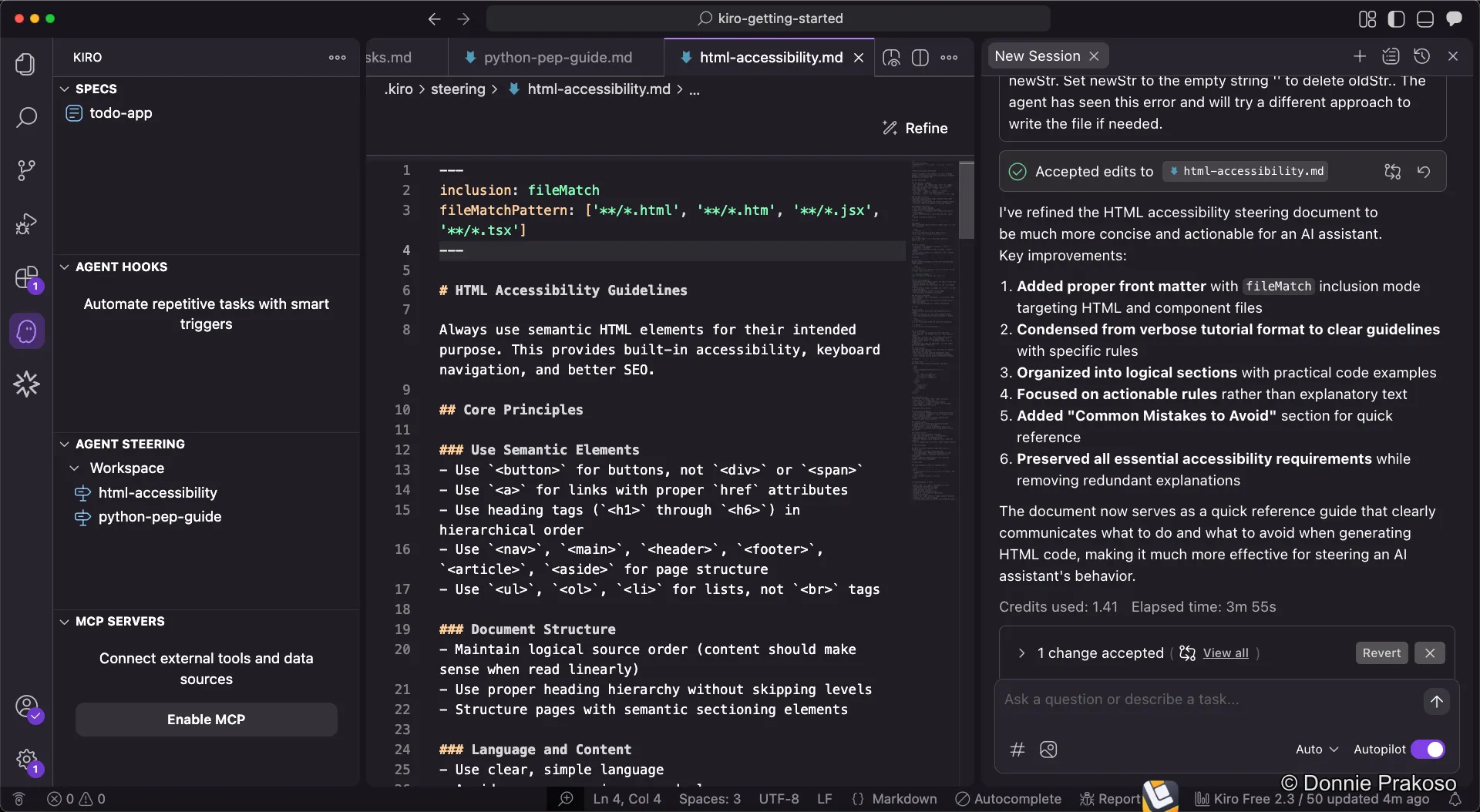
The refined version is much more structured and concise — ready for Kiro to use as a steering doc.
-
Compare refined results
When you refine the Python PEP style guide as well, you can see how the Refine feature condenses content significantly — from 719 lines to around 150 lines — without losing the essence.